Squash Scoreboard FAQ: Common Problems and Quick Fixes
By the Multi Score Screen team6 min read
Main guide: Squash scoreboard guide
In this guide
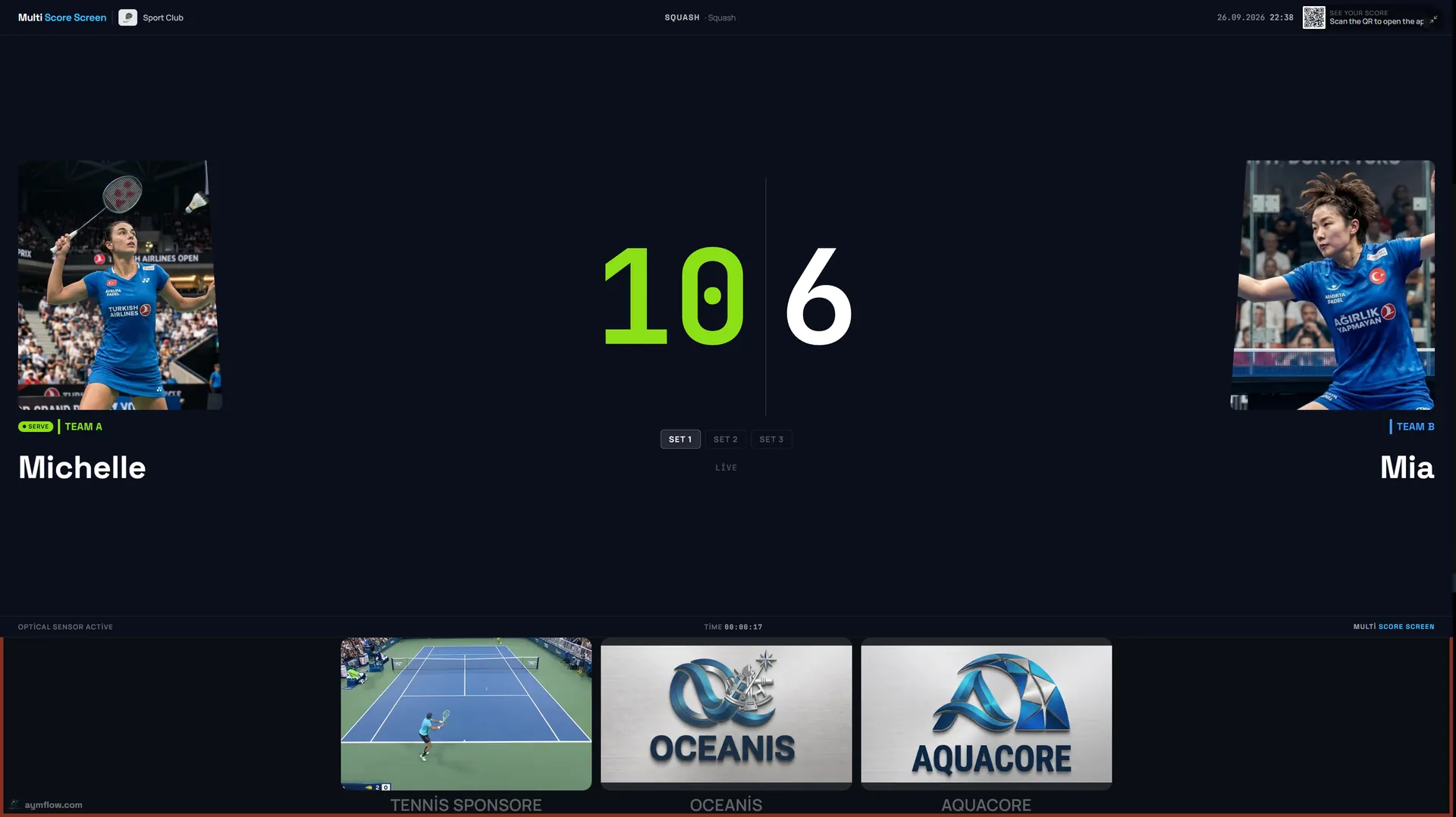
Nearly every squash scoreboard problem we hear about falls into one of a few groups. A marker hit the wrong side after a ball skimmed the tin. A player is sure the game finished at 11-10. A let got counted. Two people disagree on who is serving. Someone's phone is paired with court 3 instead of court 2. Or the TV at the far end of the corridor has dropped off the network. Each of these has a fast fix, listed below. For how the screen should look when everything works, start with the squash scoreboard guide.
Quick reference
| Problem | Usual cause | Fix |
|---|---|---|
| One point out | Wrong player credited | Undo the last rally |
| A let was counted as a point | Tapped instead of replayed | Point undo, then replay the rally |
| Game did not end at 11-10 | Two-point rule from 10-10 | Expected; play on |
| Argument about who serves | Serve stays with the last rally's winner | Compare with the indicator; undo any wrong tap |
| Code rejected | Neighbouring court's code, or a new match began | Rescan the TV at your own court door |
| Screen frozen on an old score | Network link lost | Restart the TV and check its Wi-Fi or cable |
| Racketball or another sport on screen | Court left on a different sport | Switch the court to squash in the dashboard |
| Sponsor logo absent | Not linked to this court or out of date range | Review the court's sponsor settings |
A rally went to the wrong player
A ball that catches the top of the tin, a nick into the corner, a drive that might have clipped the out line: squash produces close calls every few minutes. When the marker credits the wrong player, point undo removes that single rally; game undo goes back a full game if the error was spotted late. Everything earlier in the match stays as it was. Settle the score with both players before the next serve.
A let was tapped as a point
A let means the rally is replayed, so the score should not change. If someone tapped a point for a let, undo it and replay the rally. A stroke, on the other hand, awards the rally to one player, so tap that player as the winner.
"The game should have ended"
At 11-10 the game is not over. Under PAR-11, from 10-10 a player needs a two-point lead, so 12-10, 13-11 and so on. The scoreboard applies the rule automatically, which is often where the question comes from: players expected it to stop.
Clubs using other formats, for example best of three or a different target score, should confirm the setup with us before a league or event depends on it.
Who serves next?
Serve in squash belongs to whoever won the previous rally, and the screen's indicator moves with it on every tap. When players and screen disagree, look for an earlier mis-tap: step back with undo until you reach a score both players accept, then continue from there.
The PIN or QR code does not work
- Right door, right screen? Courts sit side by side, and the neighbouring TV is only a few steps away. A code only works for its own court.
- Old code? Every finished match generates a fresh code and QR, so a photo taken earlier will not work.
- No signal? Courts at the back of a building often have poor mobile reception; switch the phone to the club Wi-Fi. The full flow is in the squash scoreboard app guide.
A TV stops updating
When the phone is up to date and the TV is not, the screen has usually lost its network. A brief gap does no harm, because the rallies entered during it are sent as soon as the link is back. A screen that stays frozen needs a restart and a look at its Wi-Fi or cable. In most clubs the culprit is the last court along the corridor; see the squash scoreboard Wi-Fi guide.
The screen is hard to read from the court
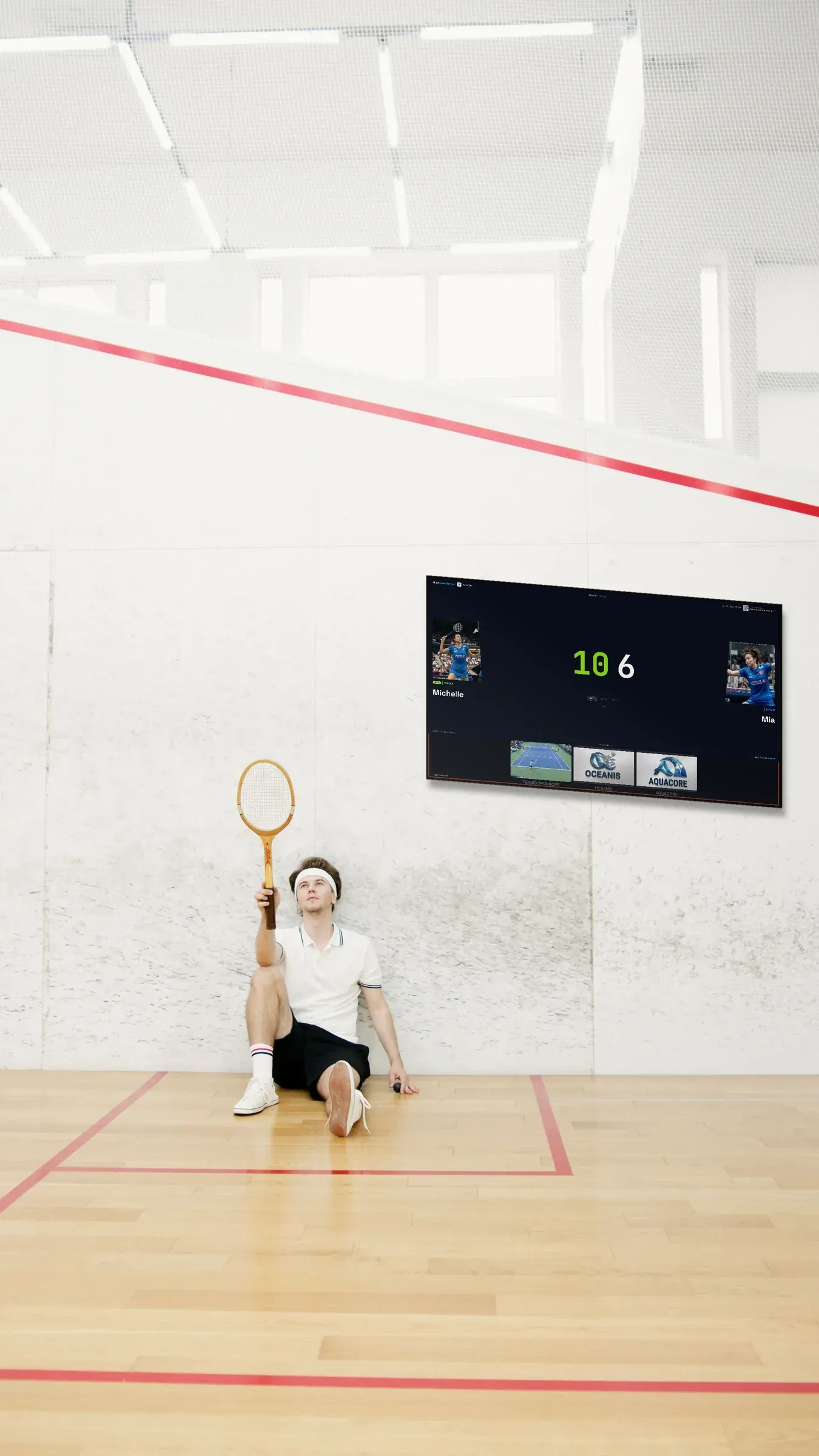
If players cannot read the score from the T, the screen is probably too small, too far, or using a pale theme against a white wall. Switch to Pro, lower the glare, or move the screen. See squash court scoreboard.
The court shows the wrong sport
Clubs that also host racketball or let a court out for other uses sometimes leave it on the wrong sport. Open the dashboard, set the court back to squash, and the next match starts with PAR-11.
A sponsor is missing
Each court has its own sponsor list. Make sure the missing logo is linked to this court and that its campaign dates include today; see squash scoreboard sponsorship.
Names and photos disappeared
That is intentional. Names and photos exist only for the duration of a match and are deleted once it is over, so the next booking starts clean.
Habits for a smooth league night
- Put the same number on each screen as on its court door.
- Check the TV once the opening rally is entered; a correct score proves the pairing.
- The phone stays outside the court or in the gallery, never on the court floor.
- Use the interval between games to read the screen together with both players.
- Run a weekly check: one rally on each court, noting any screen that lags.
One contact person per session
On busy evenings, it helps if one person, usually at reception or from the committee, handles questions about the screens. They can undo a rally, change a court's sport and restart a TV, and they note what happened so recurring problems are spotted early.
Getting help
Still not working? Write to us via the contact page. Tell us which court, roughly when it happened, and attach a photo of the screen if you can. General issues for every sport are covered in scoreboard troubleshooting.
Frequently asked questions
Why didn't the game end at 11-10?
Because from 10-10 a player needs a two-point lead. The game continues to 12-10, 13-11 and so on.
What should we tap for a let?
Nothing. A let is replayed and the score does not change. If it was tapped, use point undo.
Why is the PIN not accepted?
Most often the code came from the neighbouring court, or a new match has replaced the old one. Rescan the TV at your court.
What happens if the TV loses its connection?
Rallies entered on the phone are kept and sent once the screen reconnects. If it does not reconnect, restart it and check its network.
Why did the player names disappear?
They are stored only for the match and deleted when it finishes.
Still stuck? Contact us or request a demo.
Explore the Multi Score Screen digital scoreboard for padel, tennis, pickleball and 5 more sports →