Squash Scoreboard Wi-Fi: Connecting a Row of Courts
By the Multi Score Screen team6 min read
Main guide: Squash scoreboard guide
In this guide
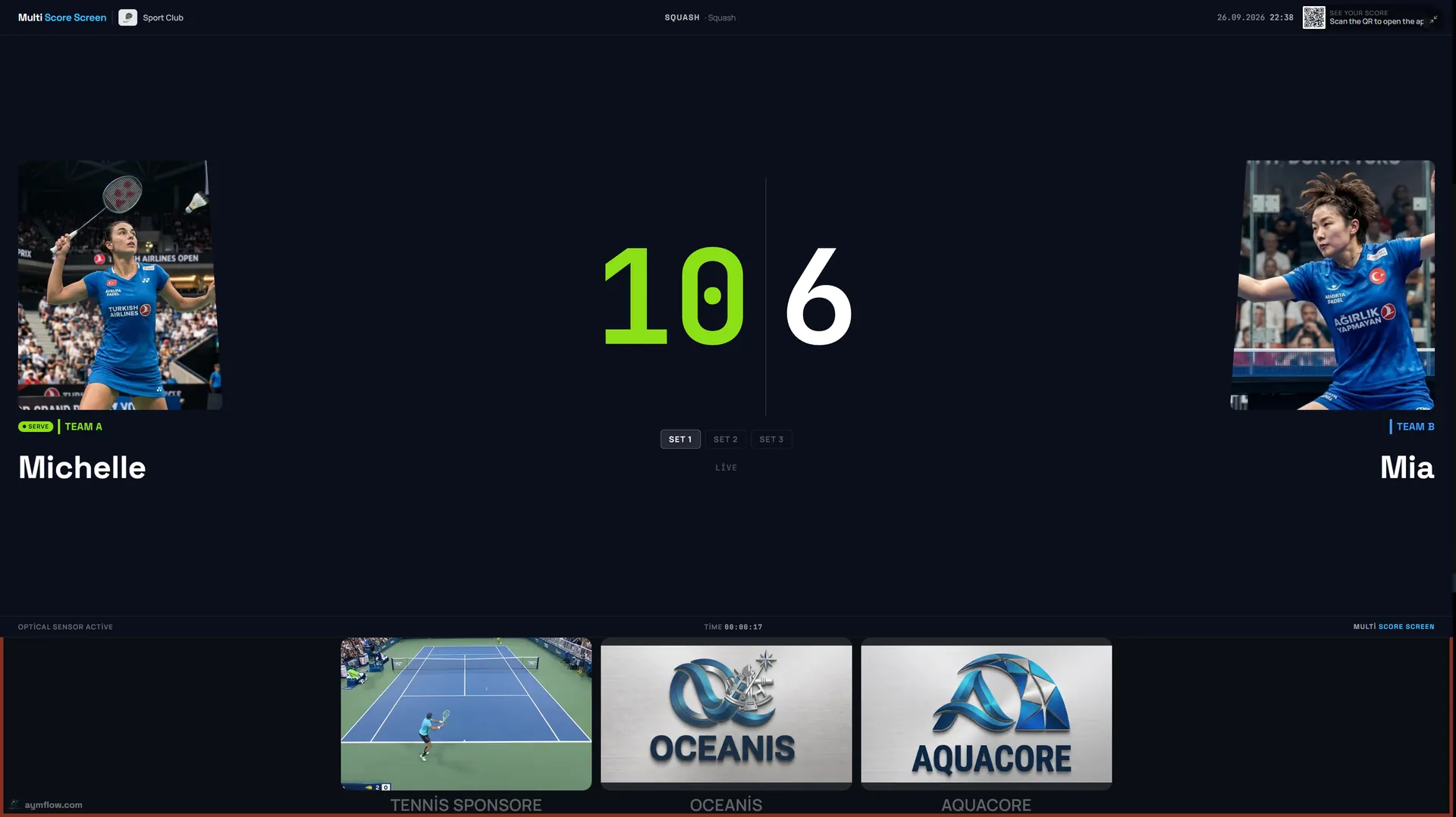
A squash scoreboard on Wi-Fi needs a connection at each court TV and on the phone that records the rallies. The data is tiny, so speed is rarely the issue. The building is. Squash courts are heavy structures: thick plastered block walls, solid side walls and often a row of courts along a corridor at the back of a sports centre, far from the reception router. A signal that is fine at the bar can be weak or gone by the last court. Planning the network along the whole row is what makes the scoreboards reliable.
What has to be connected
| Device | Job | Connection | Note |
|---|---|---|---|
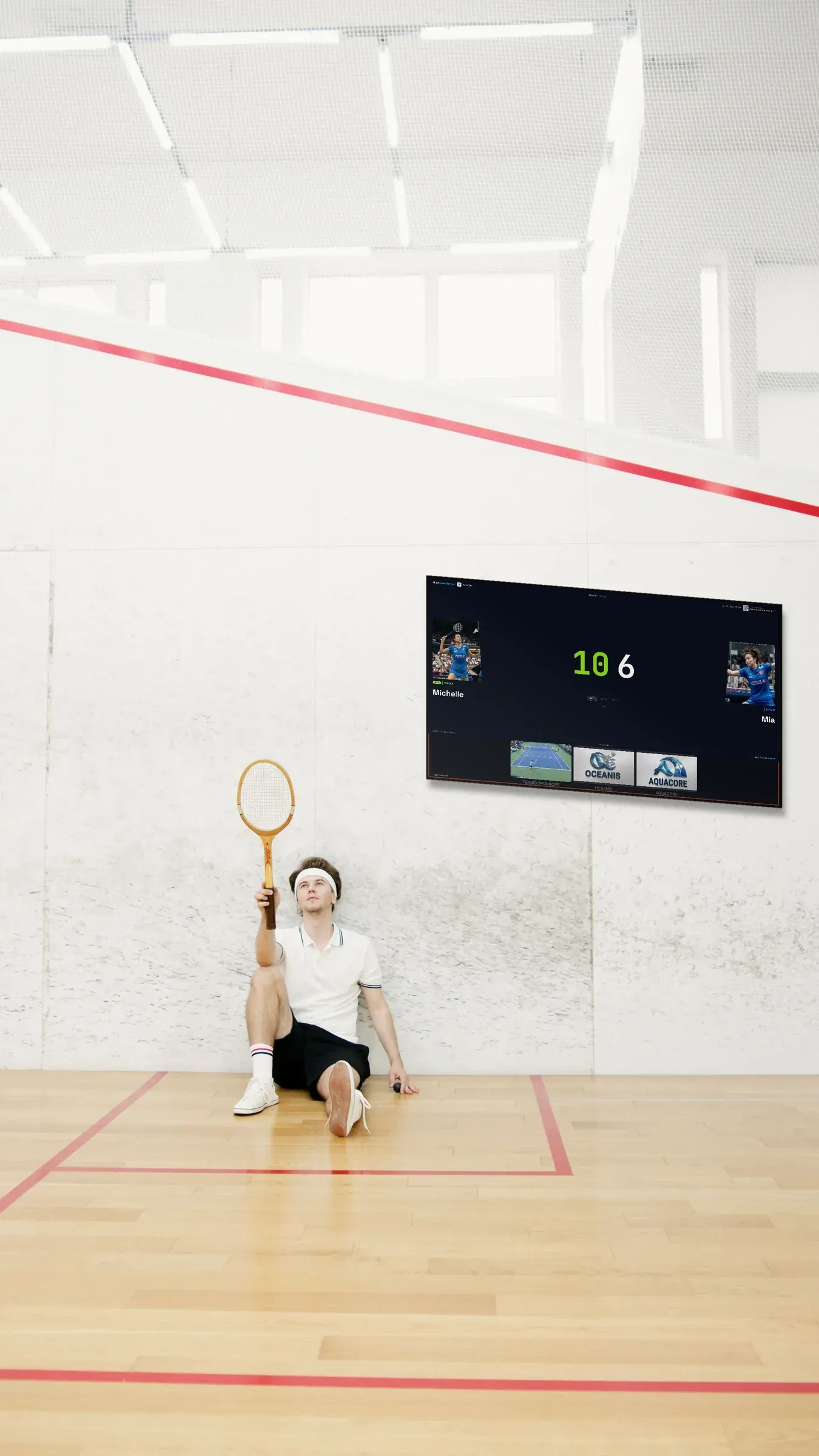
| Court TV or display | Shows the score, sponsors and the join QR code | Wi-Fi or Ethernet | Usually in the corridor or gallery, sometimes above the back wall |
| Marker's phone | Sends every rally to the TV | Mobile data or club Wi-Fi | Mobile signal can be weak at the back of a building |
| Spectators' phones | Follow the live link | Any connection | Often in the bar or café |
| Dashboard | Courts, bookings, tournaments | Any connection | Usually the reception computer |
Why squash courts are tricky
- Wall construction. Squash walls are built to take a ball at speed. Dense block and thick plaster absorb Wi-Fi far more than an office partition.
- Layout. Courts usually sit side by side along a corridor. A router at reception must reach the far end of that corridor.
- Screen position. TVs often hang high above the back wall or in a gallery, a different height from the router.
- Glass backs. Glass courts look open, but toughened glass and metal frames can still reflect and weaken the signal.
- Peak hours. Evening league nights bring dozens of phones onto the guest network at once.
Planning the network
- Map the courts, the corridor and the router. Note where each TV will hang.
- Walk to the last court with a phone on the club network, hold it where the screen will hang, and open a page. Slow loading there means that spot needs help.
- Put the access point in the corridor or gallery, not inside a court. From there, the signal reaches the screens without crossing court walls.
- Use a cable when an electrician is on site anyway. Running data alongside the new power socket costs little and removes the Wi-Fi question for that screen.
- Keep screens off the guest network by giving them a separate network name.
- Make Wi-Fi easy for markers. Put the guest network name and password at reception if mobile data is weak.
Cable versus wireless for any sport is compared in wireless vs wired scoreboards.
When the signal drops
No club network is perfect. A few seconds without Wi-Fi does not cost a single rally: the marker keeps tapping and everything arrives on the screen once the link is back. A screen that stays disconnected, though, shows an old score until it reconnects, so sort it out before the next pair walk onto that court.
Symptoms and fixes
| Symptom | Likely cause | Try |
|---|---|---|
| Last court stops updating | Weak signal at the end of the corridor | Access point in the corridor near the far courts |
| Marker cannot open the QR link | No mobile signal at the back of the building | Join the club Wi-Fi |
| Slow updates on league nights | Guest network crowded | Separate network for the screens |
| TV above the back wall drops | Height and metal bracket | Move the access point or run a cable |
| Glass court screen unreliable | Reflections from glass and frames | Reposition the access point; test again |
Opening-day checklist
- Every court TV loads a web page at its mounted position.
- Each TV shows its own join QR code and PIN.
- A test rally appears on the TV within a moment.
- Scoring works from a phone joined to the guest network, for members with no mobile signal.
- Court numbers on the TVs match the doors and the dashboard.
- At least one person on the desk knows how to power-cycle a screen and the access point.
Clubs with other sports
Squash courts often share a building with racketball, a gym, padel or a café. The same network can carry all of it. A court screen can also switch sport from the dashboard, since the system covers eight, but the Wi-Fi should be sized for a crowded Tuesday league night rather than a quiet weekday morning.
Who looks after the network
In many clubs, the network was set up years ago by a volunteer and nobody remembers the router password. Before mounting screens, write down where the router and access points are, how to restart them and who holds the admin access, stored safely and not in a shared document. In a council-run centre, talk to the building manager first: you may need permission to install equipment.
Do you need special hardware?
No. Each court needs a TV with internet and a streaming app or an HDMI input for a small player. Markers use their own phones. Optical sensors that detect points automatically are included only with Unlimited, and they also need a good connection. Licences are per court: Starter $44/month, Pro $134/month for up to five courts, Elite $224/month for up to ten, or Unlimited at $1,299 per court once, with no term limit. See the pricing page. Where to mount the screens is covered in squash court scoreboard, and general TV setup in the TV scoreboard setup guide.
Frequently asked questions
How much bandwidth does a squash scoreboard need?
Very little. Each rally sends a small update; coverage along the row of courts matters far more than speed.
Can the court TVs be cabled?
Yes. If the TV or its player has an Ethernet port, a cable is the most stable option.
What happens if the Wi-Fi drops mid-game?
Scoring keeps working and syncs automatically when the connection returns.
Where should the access point go?
In the corridor or gallery, so the signal reaches the screens without passing through court walls.
Does the marker need mobile data?
Not necessarily. The marker can use the club's guest Wi-Fi when mobile signal is weak.
Questions about your club's network? Request a demo and we will go through your court layout together.
Explore the Multi Score Screen digital scoreboard for padel, tennis, pickleball and 5 more sports →