
The Multi Sport Score Screen For Every Court
Multi Score Screen turns any TV a court already owns into a live, real-time scoreboard for tennis, padel, badminton, squash, table tennis, volleyball, pickleball and padbol.
What Is Multi Score Screen?
Multi Score Screen is a multi sport score screen that turns any TV a court already owns into a live, real-time scoreboard for tennis, padel, badminton, squash, table tennis, volleyball, pickleball and padbol. Instead of chalkboards, shouted counts, or a dedicated scorer's table, a player, coach, or staff member updates the score from a phone, and it appears instantly on screen for everyone on and around the court.
How Does Multi Score Screen Work?
Setting up Multi Score Screen does not involve new hardware. A club connects the screen it already owns, whether the court runs tennis, padel, badminton, squash, table tennis, volleyball, pickleball or padbol, and scoring begins from a simple phone interface. A player, coach, or staff member taps in each point, and the display updates instantly, visible to everyone on the court and anyone watching from the sidelines.
Spectators who are not courtside can follow along too. A quick QR scan opens a live link to the match, so friends, family, or tournament organizers can track the score from anywhere. Most venues have their first court running the same day they sign up, with no installation appointment and no separate training session for staff.
How It Works, Step By Step
From setup to match day, here is exactly what happens on the admin panel and on the TV screen.

Set Up Your Club
Create your account and follow the built-in setup checklist: add a court, prepare the TV screen, and activate your license.
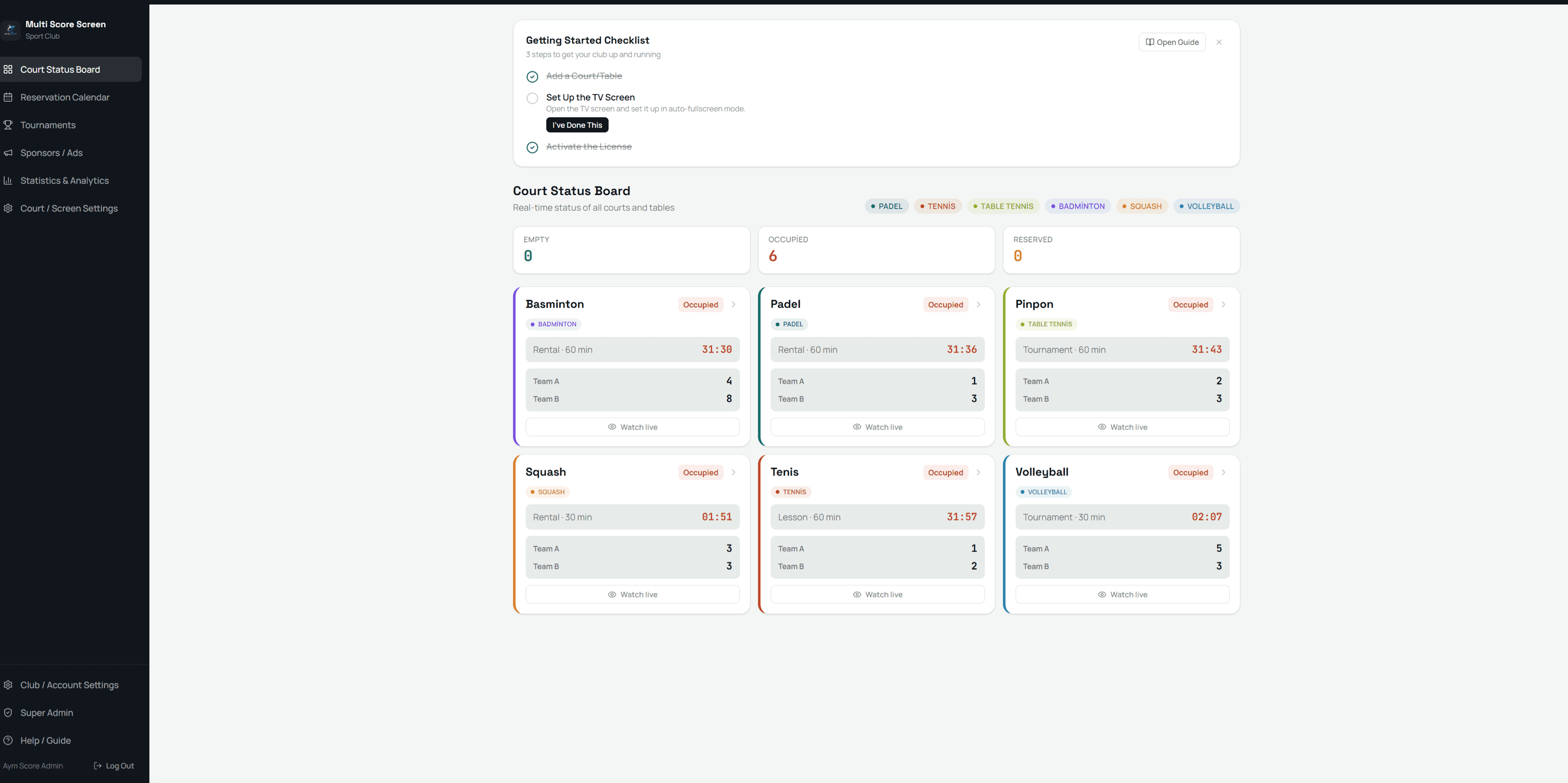
Monitor Courts In Real Time
The Court Status Board shows every court's live status at a glance — empty, occupied, or reserved.
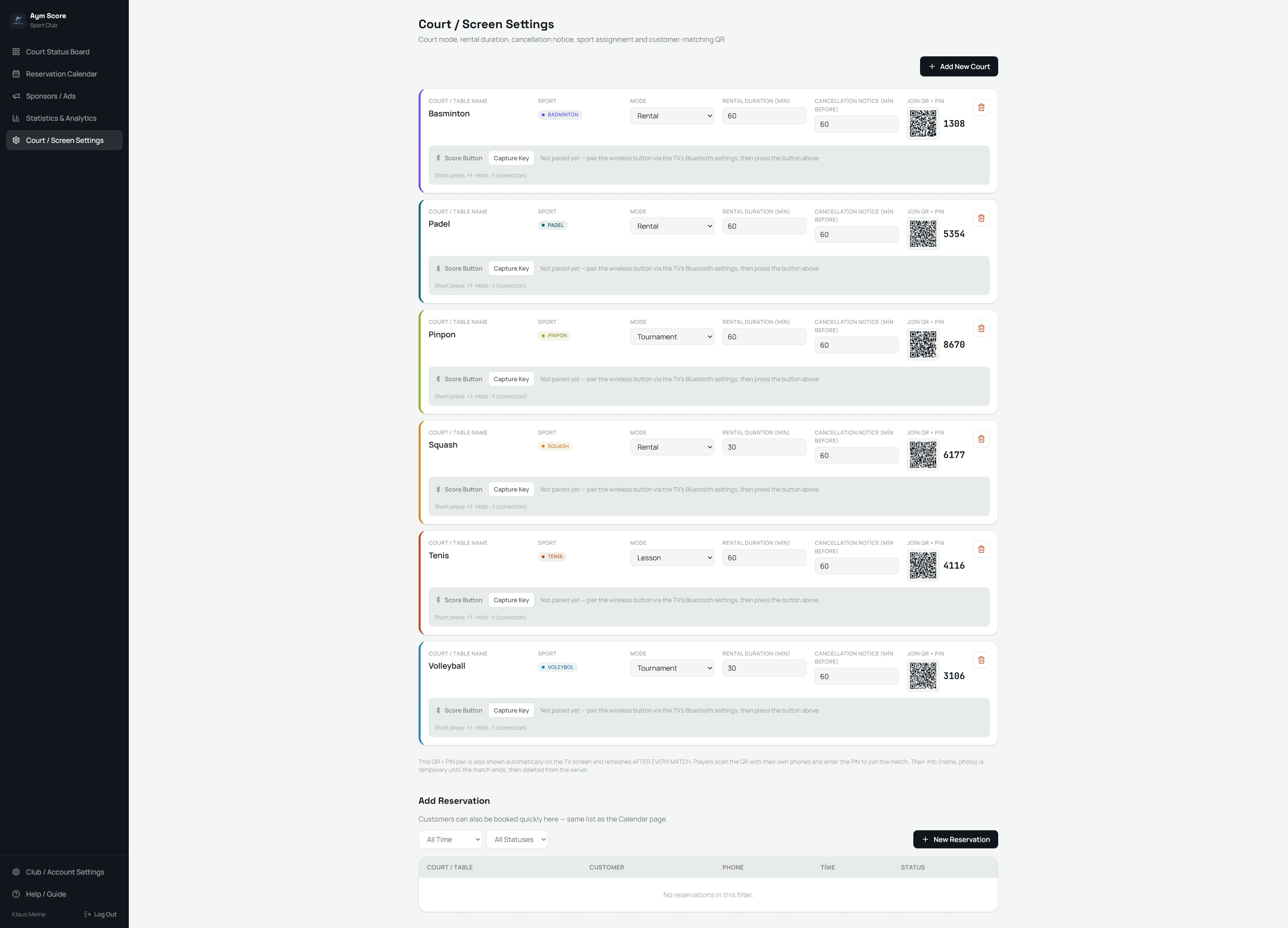
Configure Your Courts
Set the sport, mode, rental duration, and cancellation notice for each court — a join QR code and PIN are generated automatically for players.

Activate Your License
Enter the license key from your email for each court, share your reservation request link, and finish setting up your club account in minutes.

Choose Your Screen Theme
Pick Platinum, Classic, Gold, Broadcast, Neon, or Pro for each court, and give your TV screen a look that matches your venue.

Manage Reservations
Add, edit, or cancel reservations from the Reservation Calendar, and filter bookings by time and status at a glance.
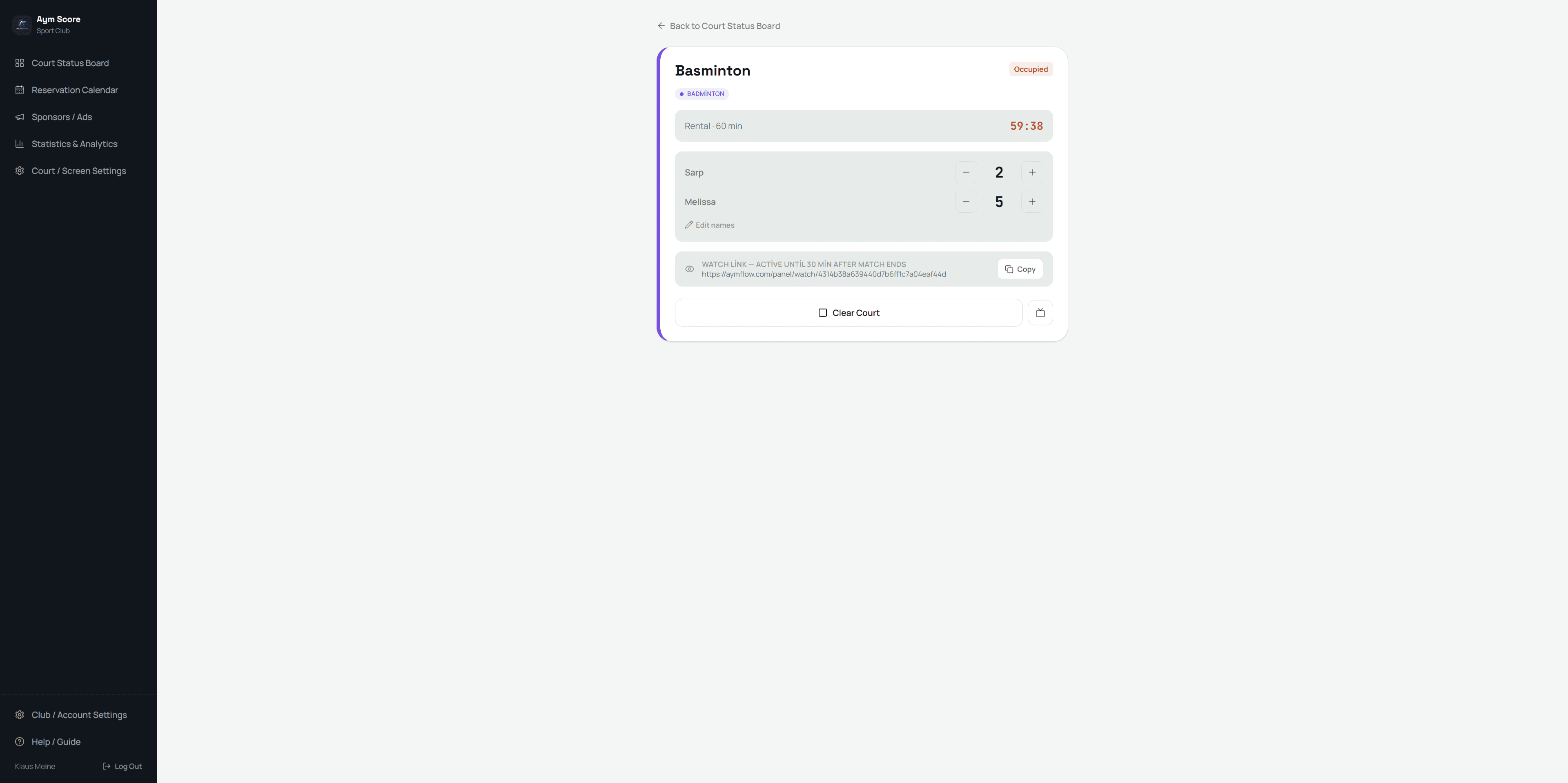
Control The Score
Edit player names, adjust the score, and run the match from the admin panel — every change reflects on the TV screen instantly.

The Scoreboard Goes Live
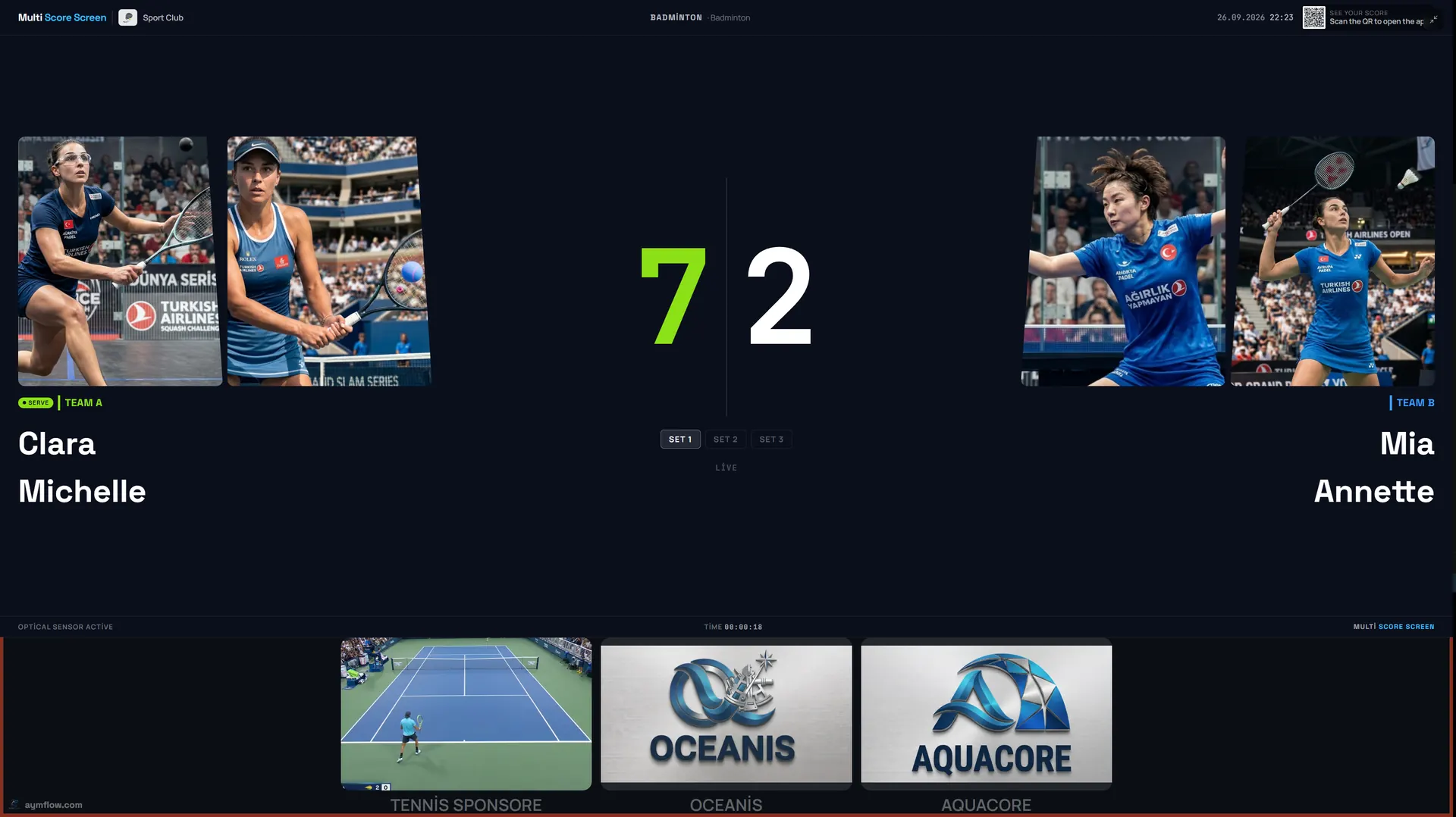
The scoreboard streams live on the TV with player photos, set scores, and a serve indicator that updates in real time.
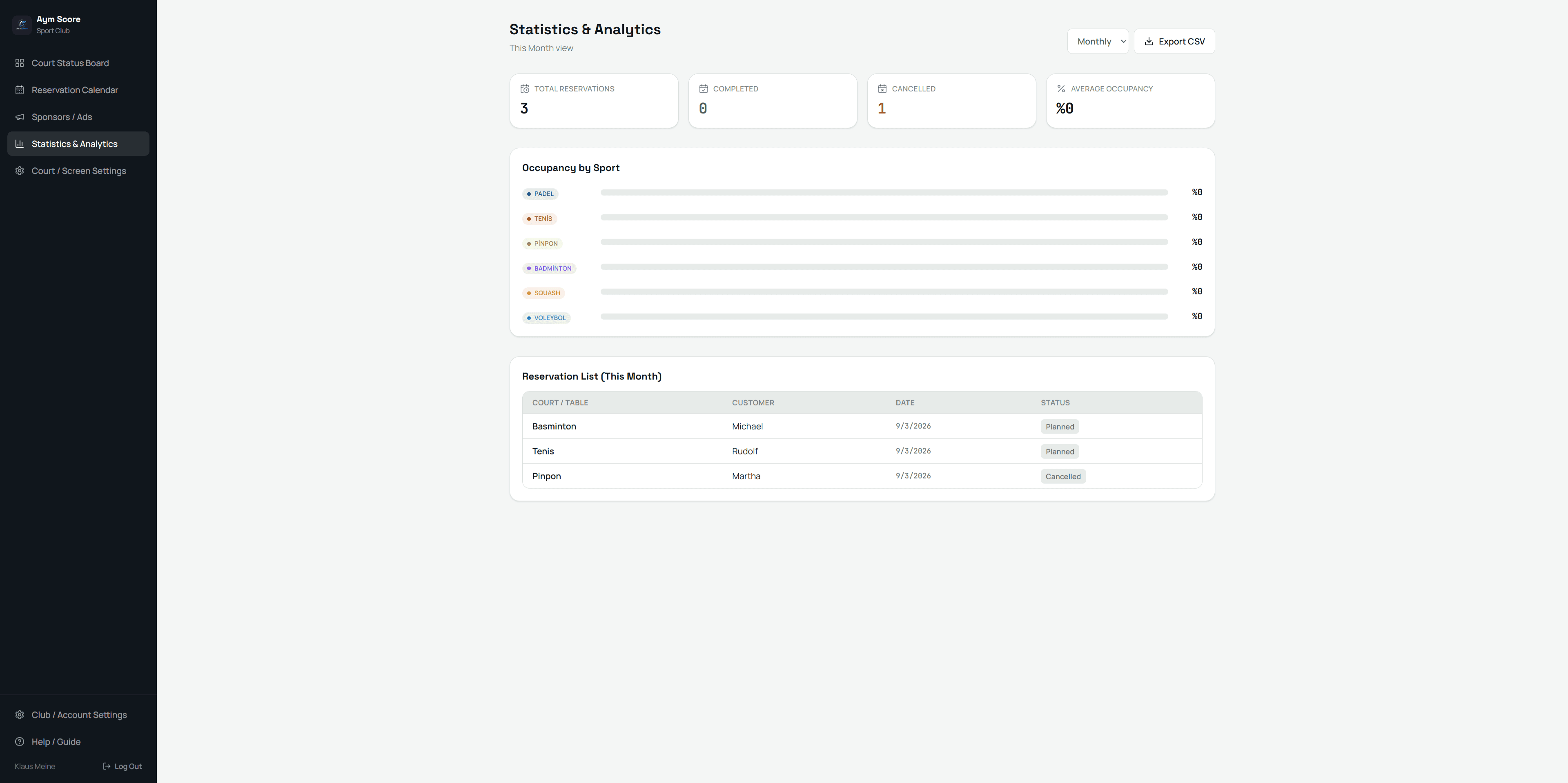
Track Your Statistics
See reservation counts, occupancy by sport, and more — then export your data to CSV in one click.
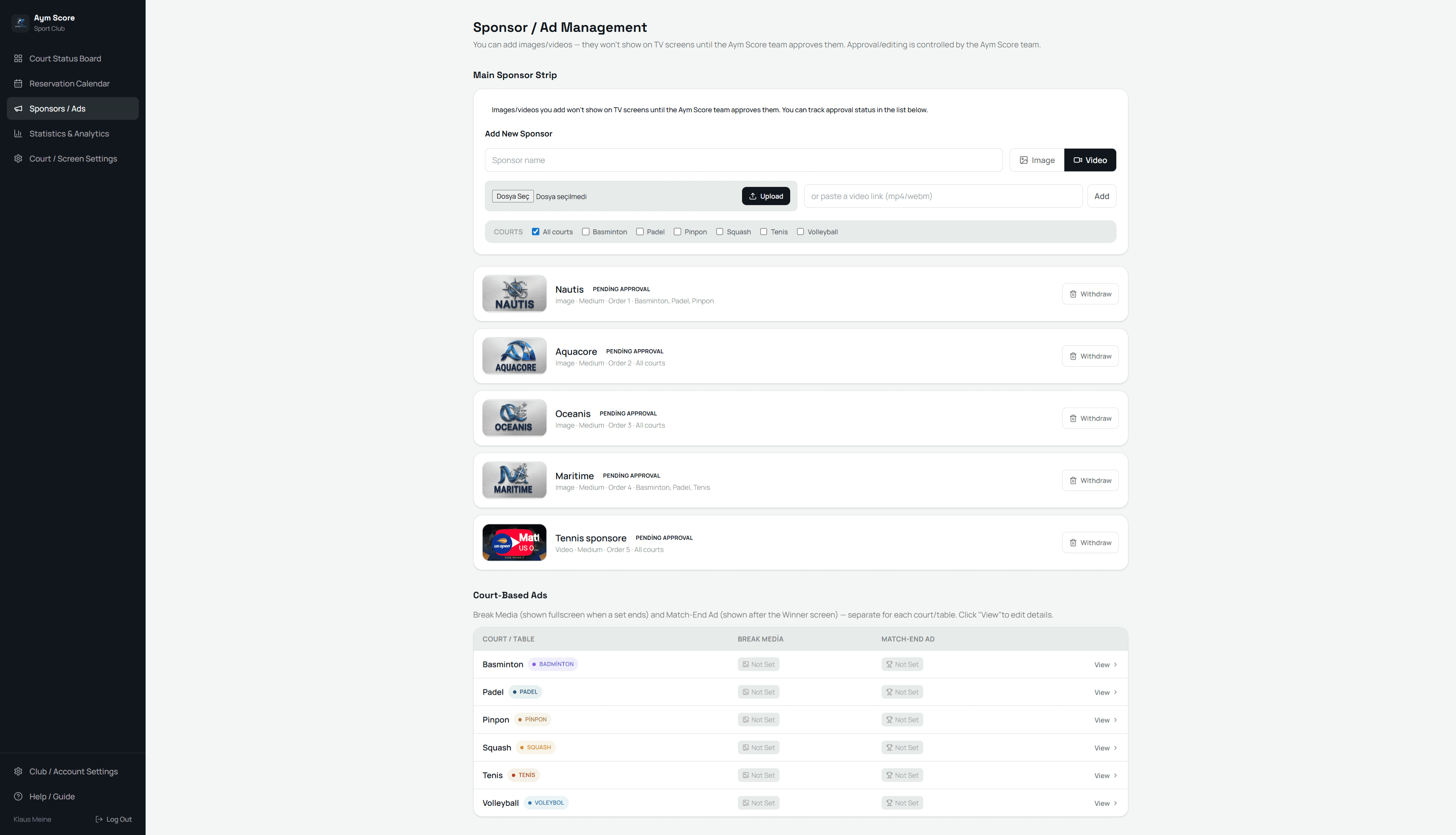
Add Your Sponsors
Upload sponsor images or videos and choose which courts show them — approved content is automatically added to the rotation.

Sponsors Appear During Play
Sponsor logos appear in a strip beneath the live scoreboard, giving every match built-in visibility for your partners.

Celebrate The Winner
When the match ends, a winner screen shows the final set scores before the court resets and gets ready for the next match.

Sponsor Ads Between Matches
While a court is empty, the TV screen rotates full-screen sponsor ads along with a QR code so the next players can join.
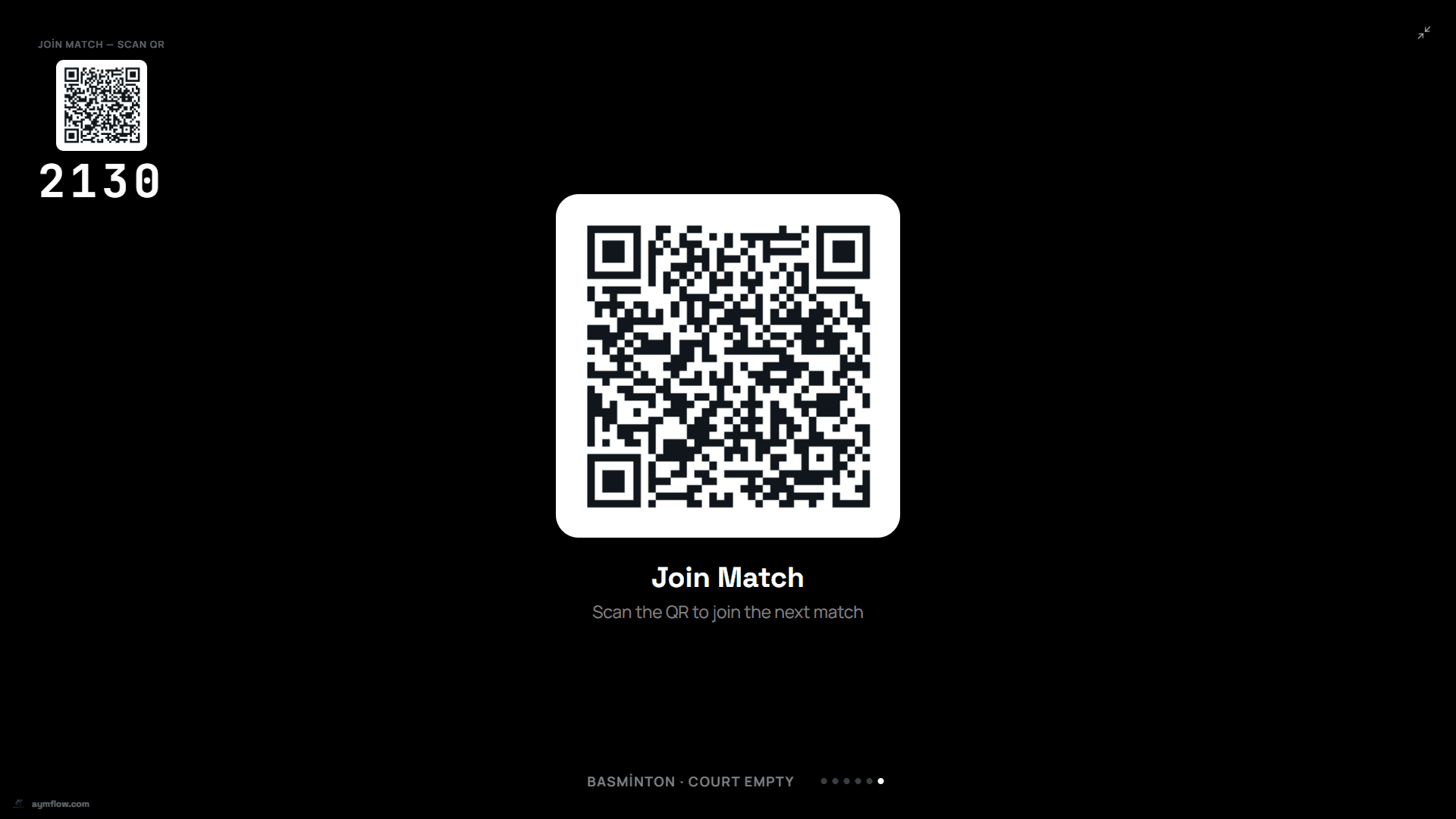
Players Join The Match
Players scan the QR code shown on the TV screen and enter the PIN to join the match and follow the live score from their own phone.
What The Live Scoreboard Looks Like
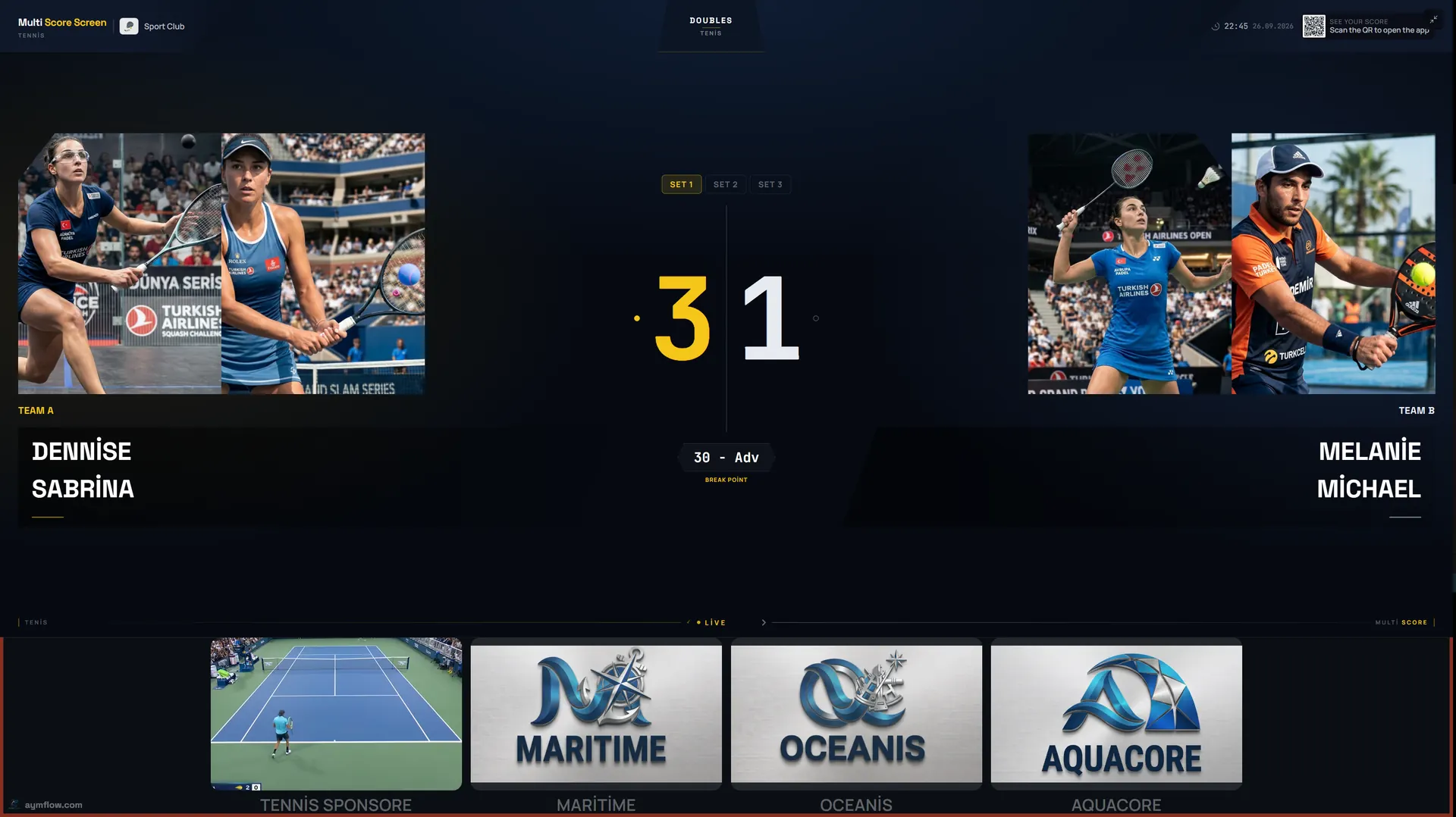
Once a match starts, the court TV turns into a broadcast-style scoreboard that updates the moment someone taps a point on their phone.
Player names and photos
Every player or team is shown by name, so spectators always know who is playing.
Set scores and serve indicator
The current score, finished sets, and who is serving update in real time.
Sponsor strip beneath the score
Partner logos appear under the live scoreboard, so every match carries built-in visibility.
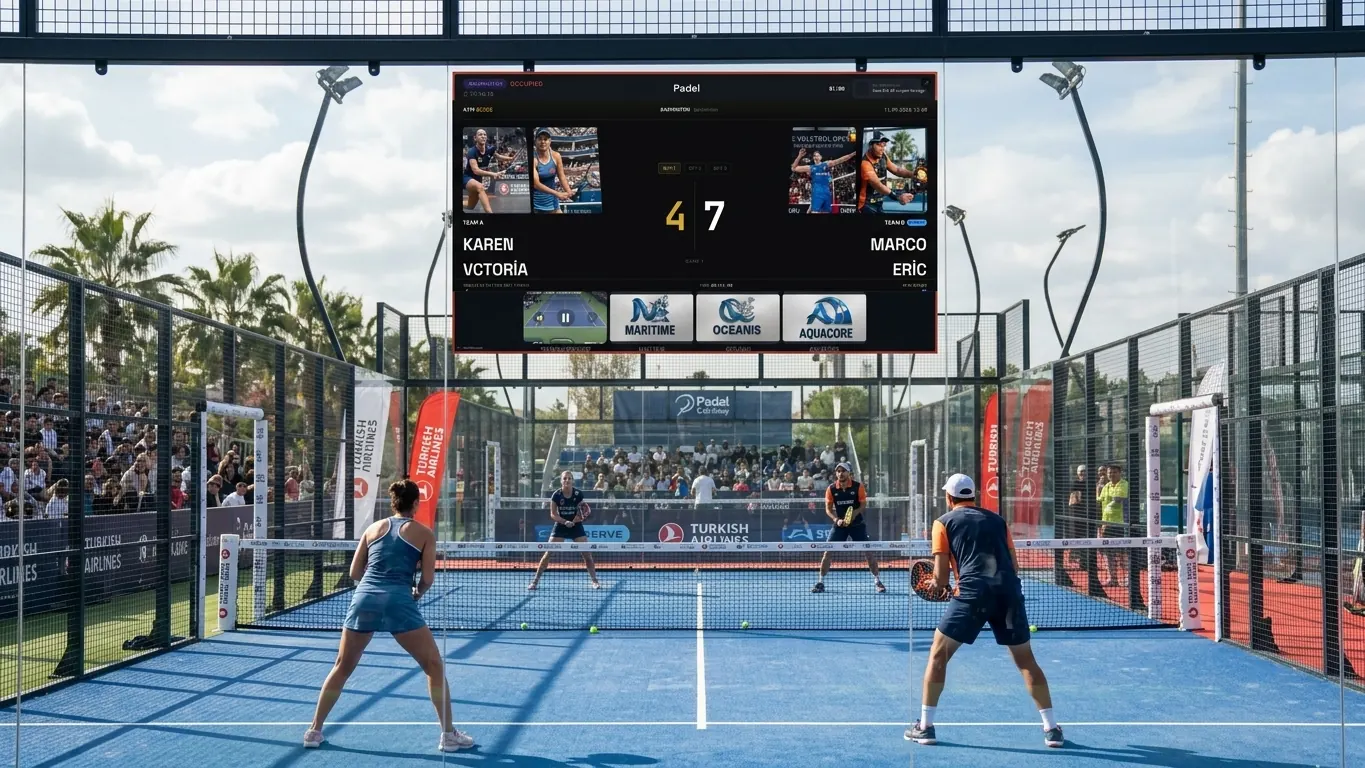 Live scoreboardConcept render
Which Sports Does Multi Score Screen Support?
Multi Score Screen understands the rules of eight court sports natively, so a club never needs a separate system for each one it offers.
Tennis
Full set and tiebreak scoring, recognizable to players and officials.
Tennis scoreboard guide →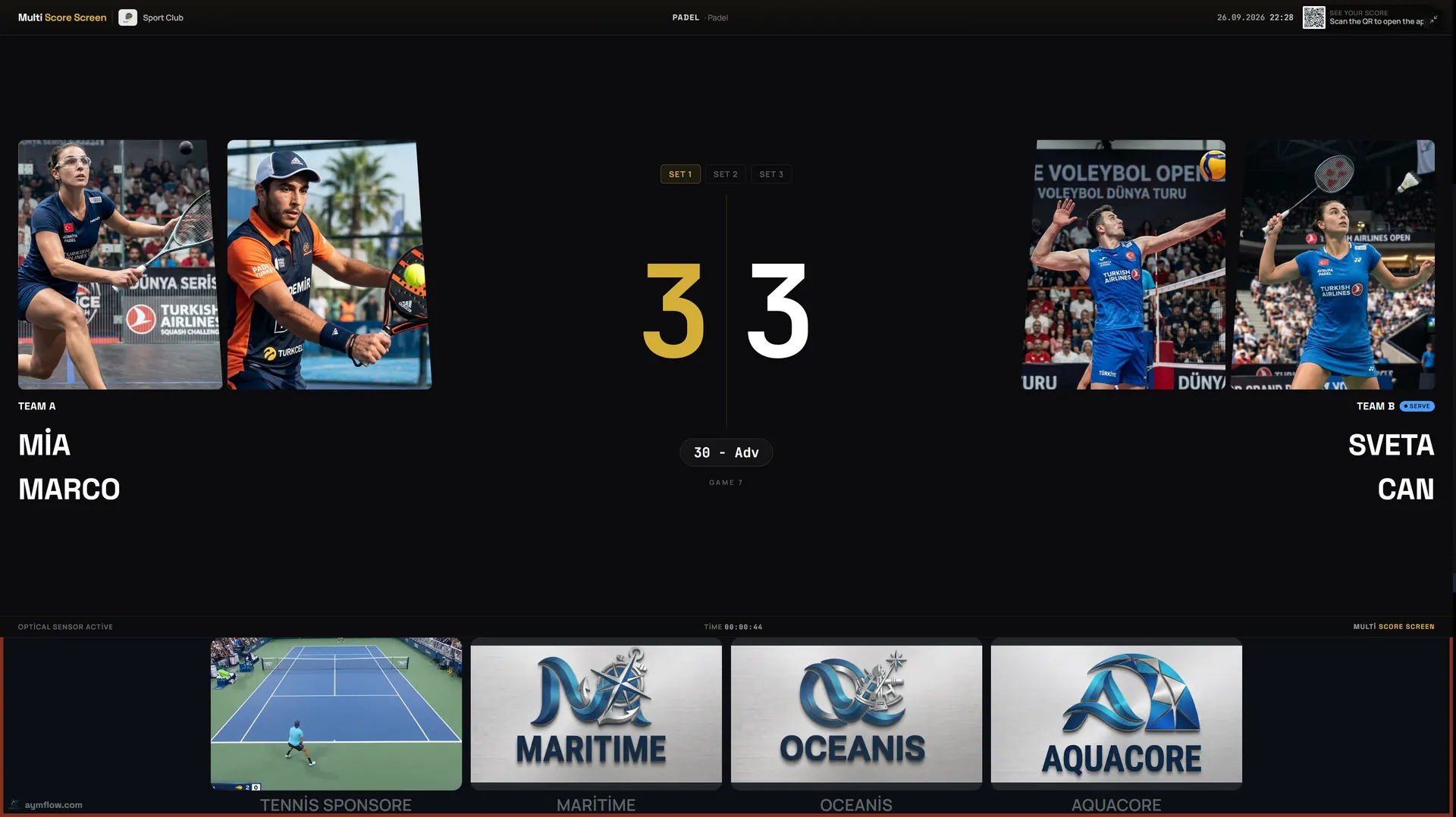
Badminton
Rally point scoring across games, matching conventions players know.
Badminton scoreboard guide →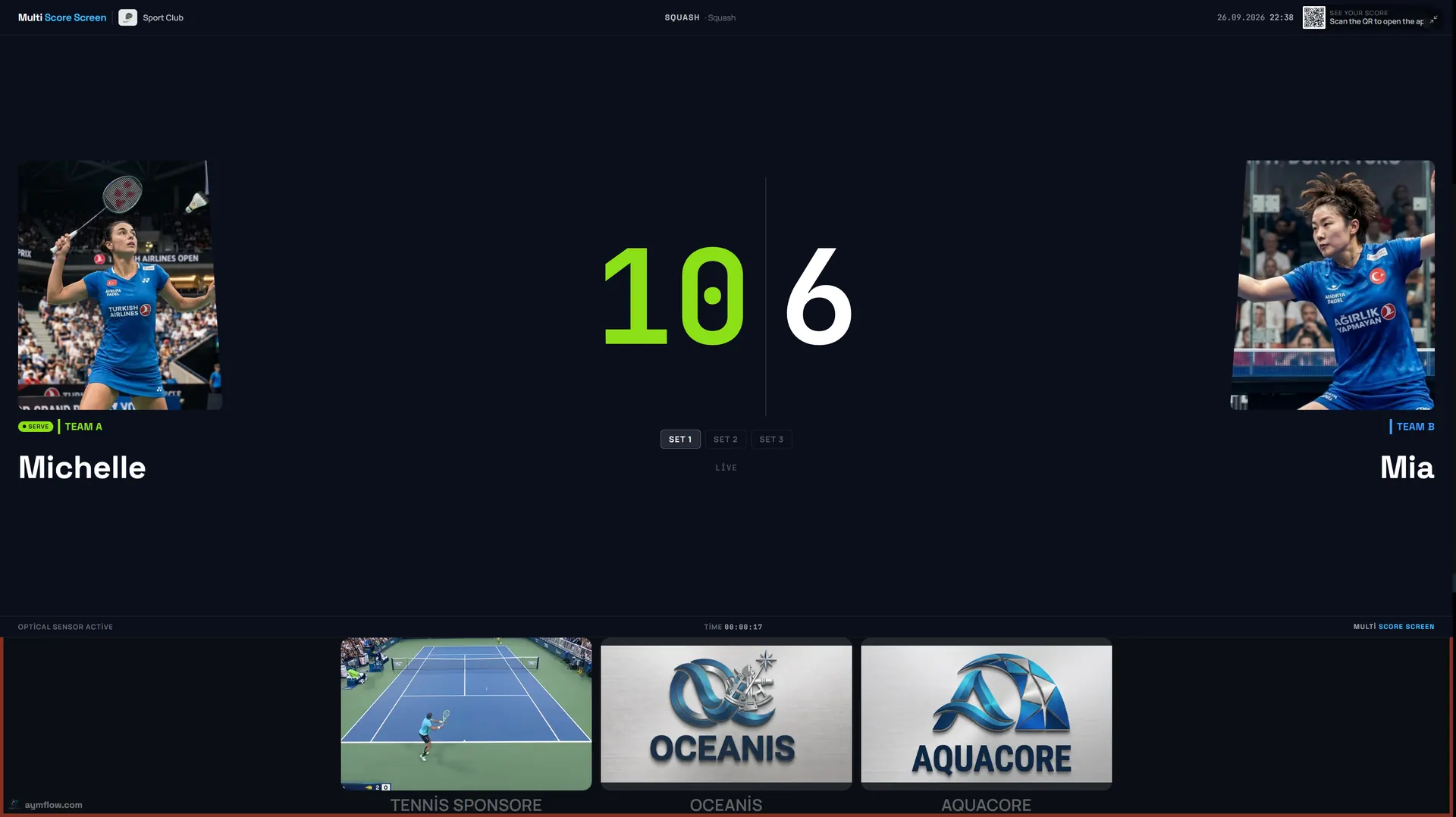
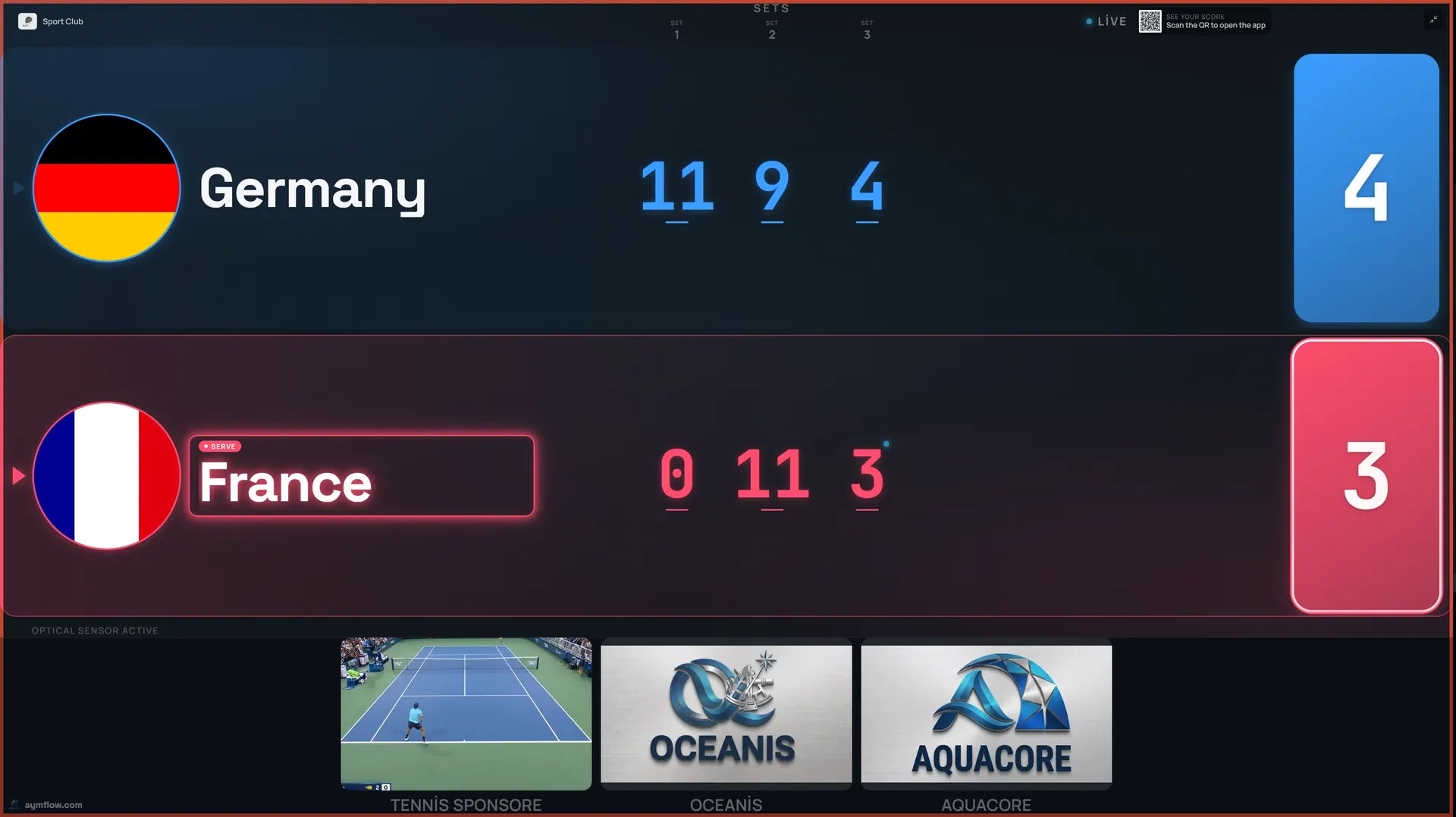
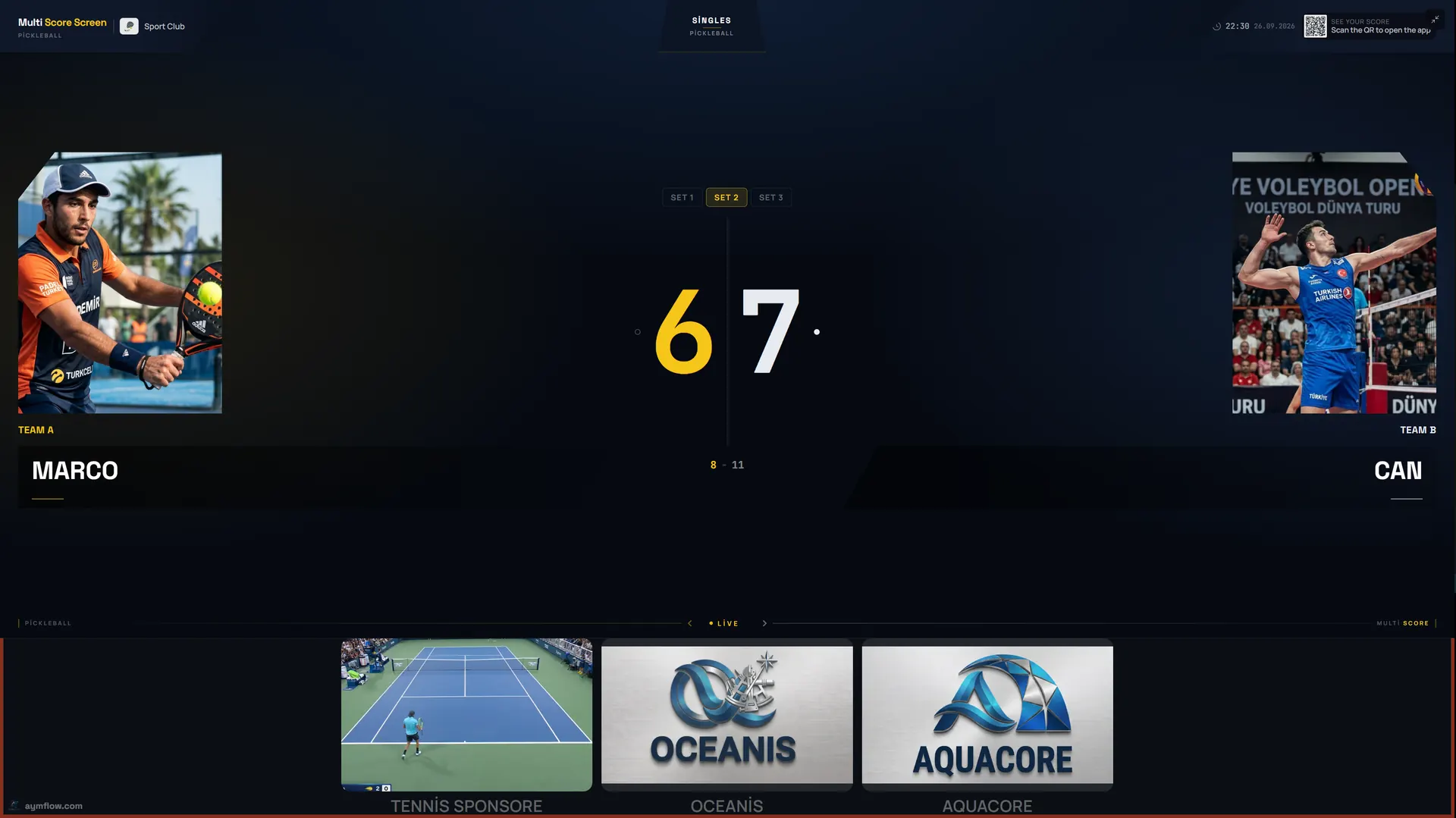
Pickleball
Side-out and rally scoring for singles and doubles, including the three-number doubles call.
Pickleball scoreboard guide →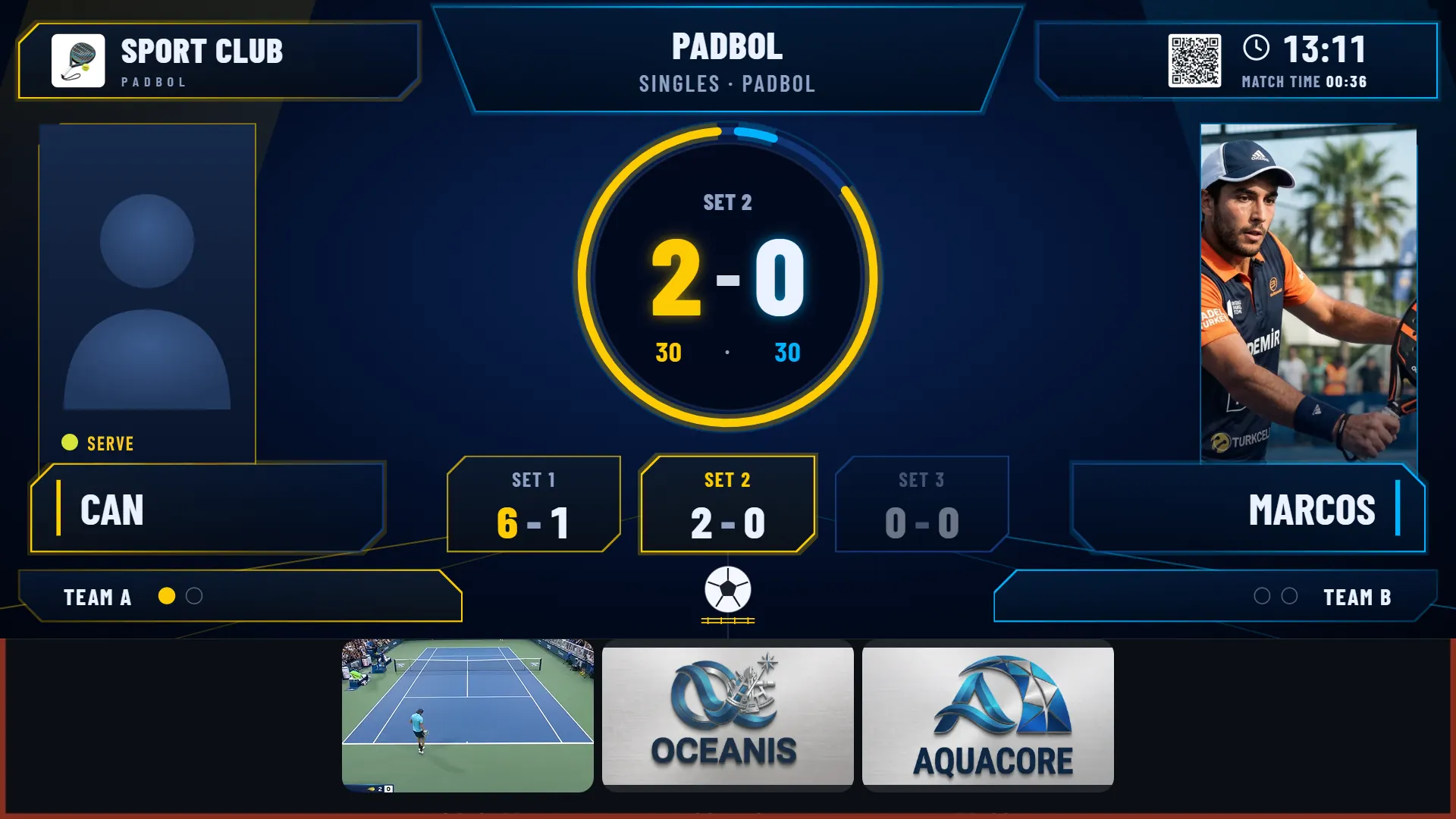
Padbol
Set-by-set score with the current point, the serving side and match time on screen.
Padbol scoreboard guide →The Score, In A Referee's Hands
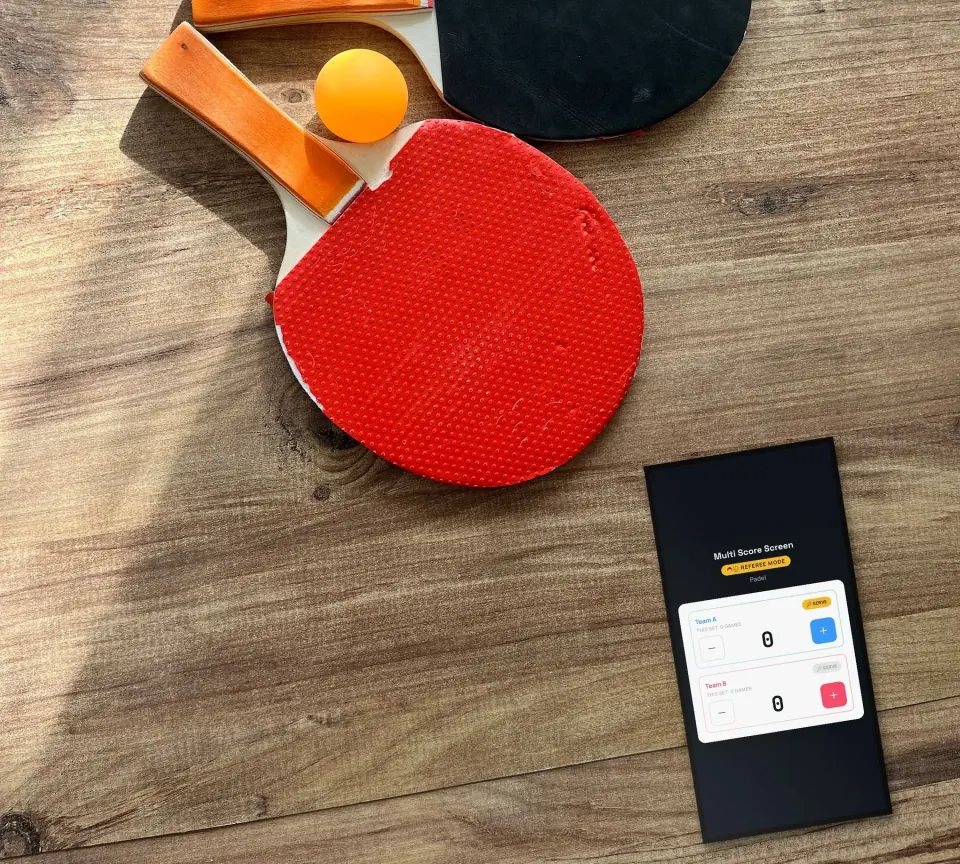
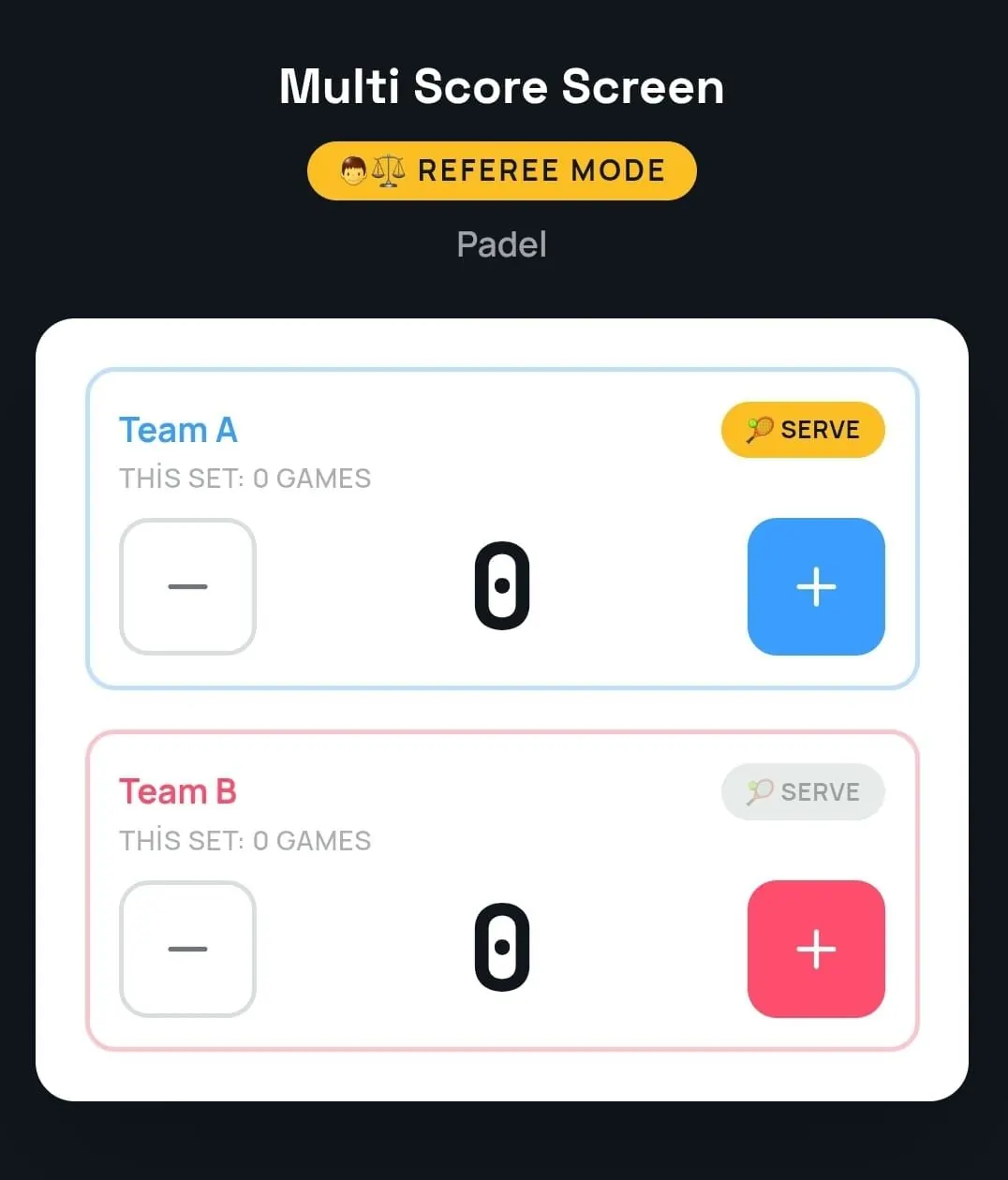
Referee mode turns a phone into the match console. A referee, coach, or staff member enters every point by hand, and the court TV follows instantly.
Manual score entry
Large plus and minus buttons for each team add a point or take one back in a single tap.
Serve and set tracking
The console shows who is serving and the games won in the current set, so the official record stays accurate.
Match control on one screen
Correct a mis-tap, switch the server, and manage the match from a phone, without touching the TV.
Referee mode and optical sensors are separate features. Sensors detect points automatically; referee mode is a person entering the score by hand. A court that runs referee mode does not need sensors.
The Same Score, A Different Look
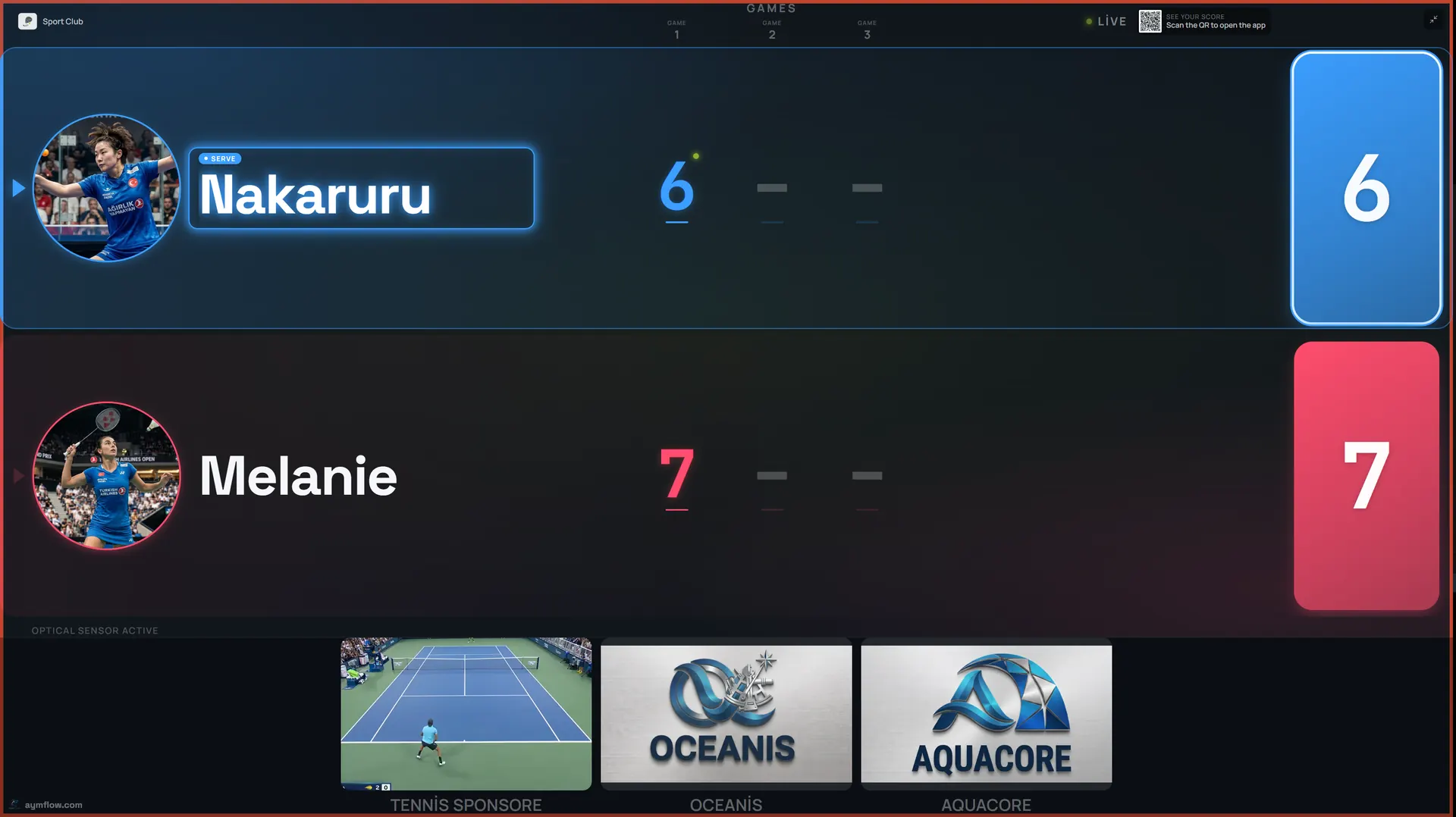
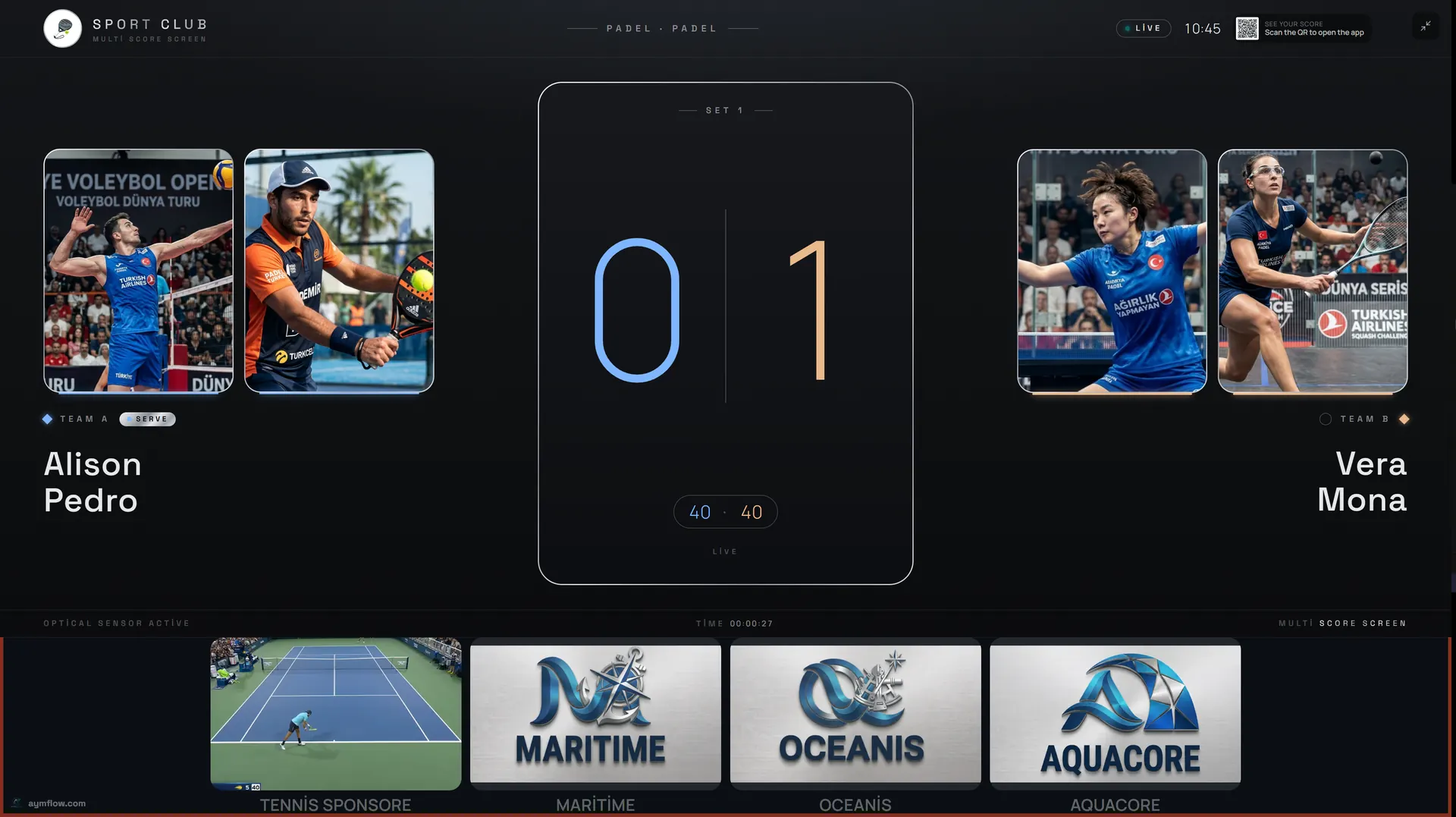
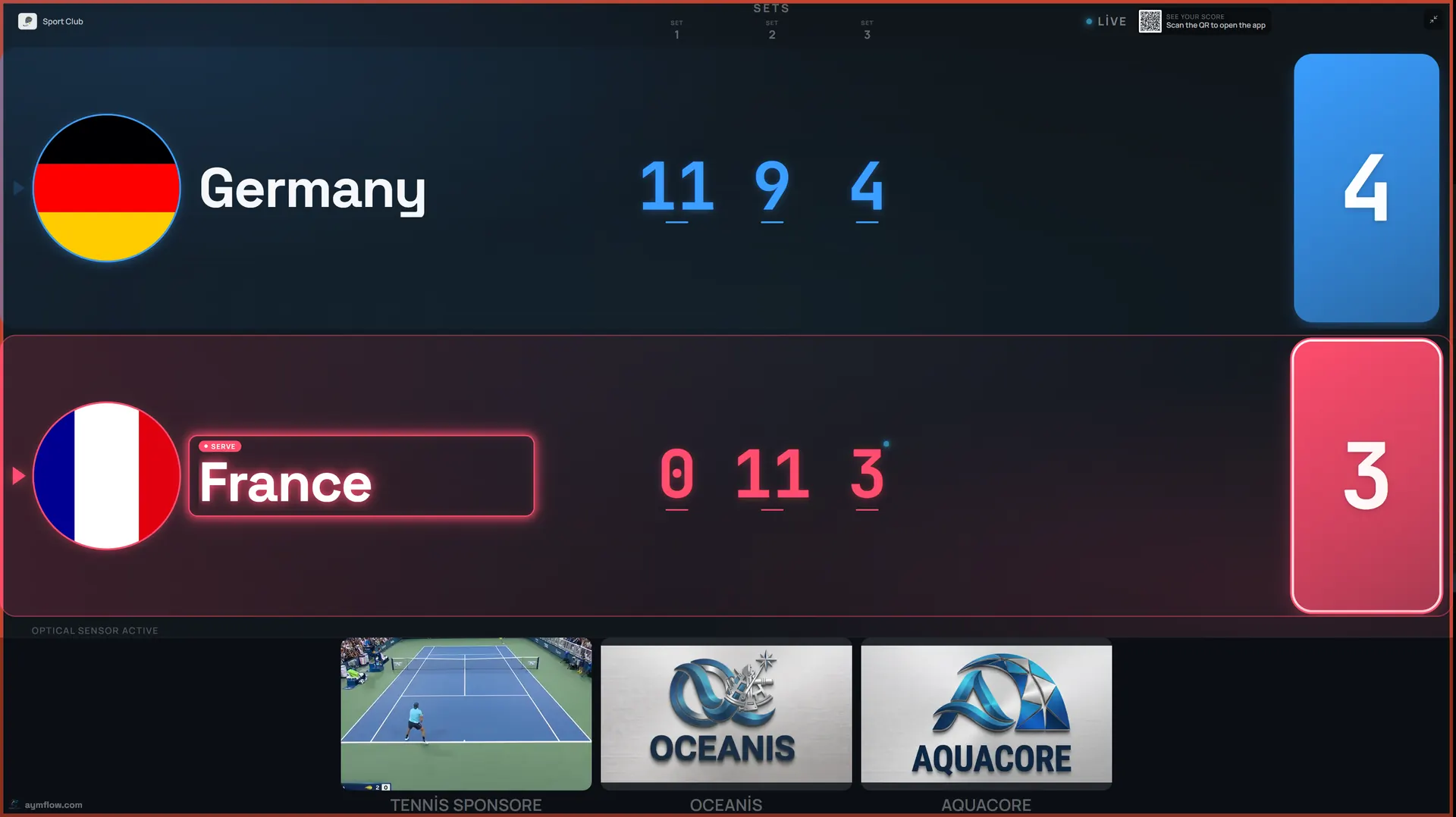
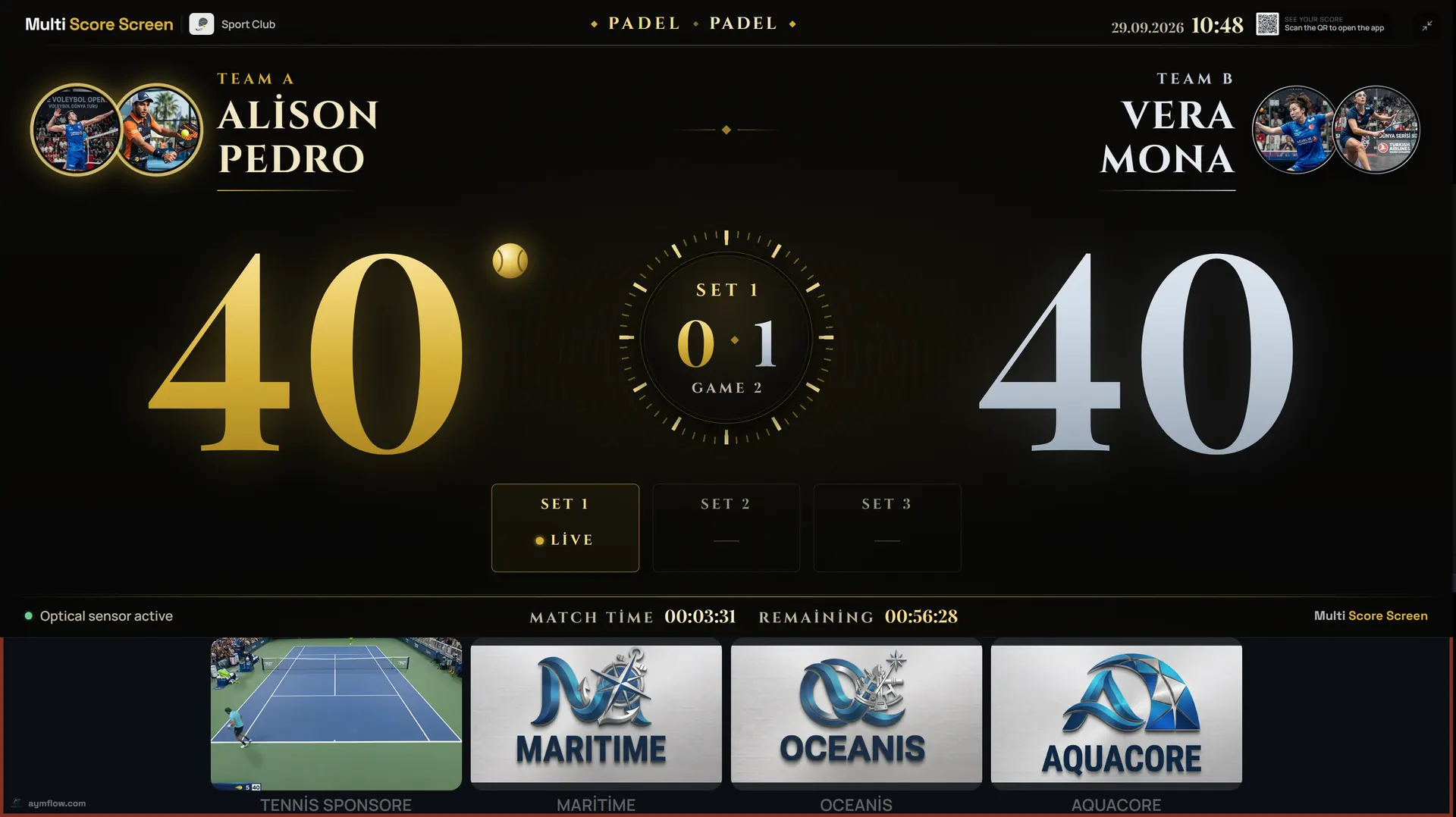
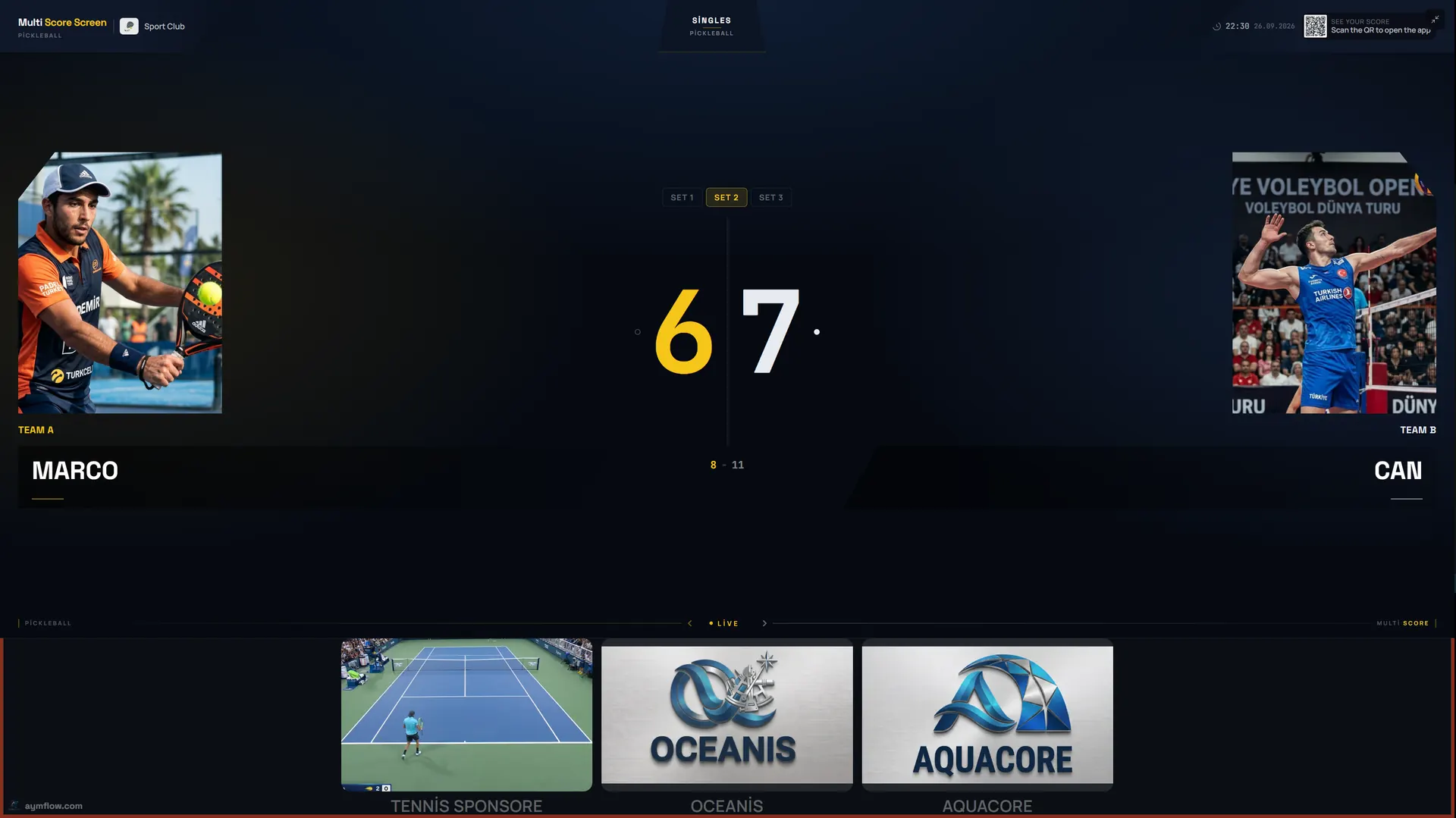
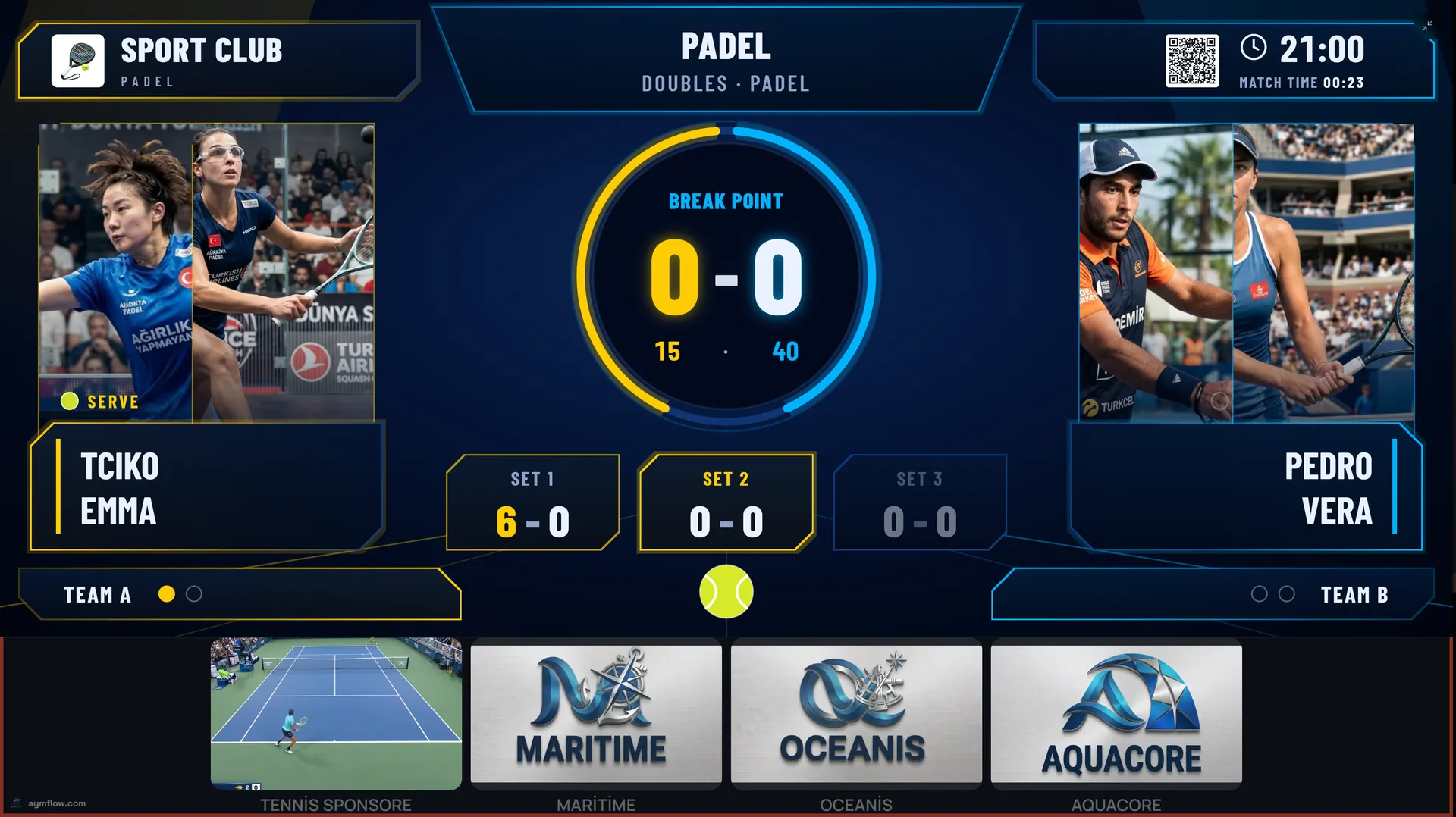
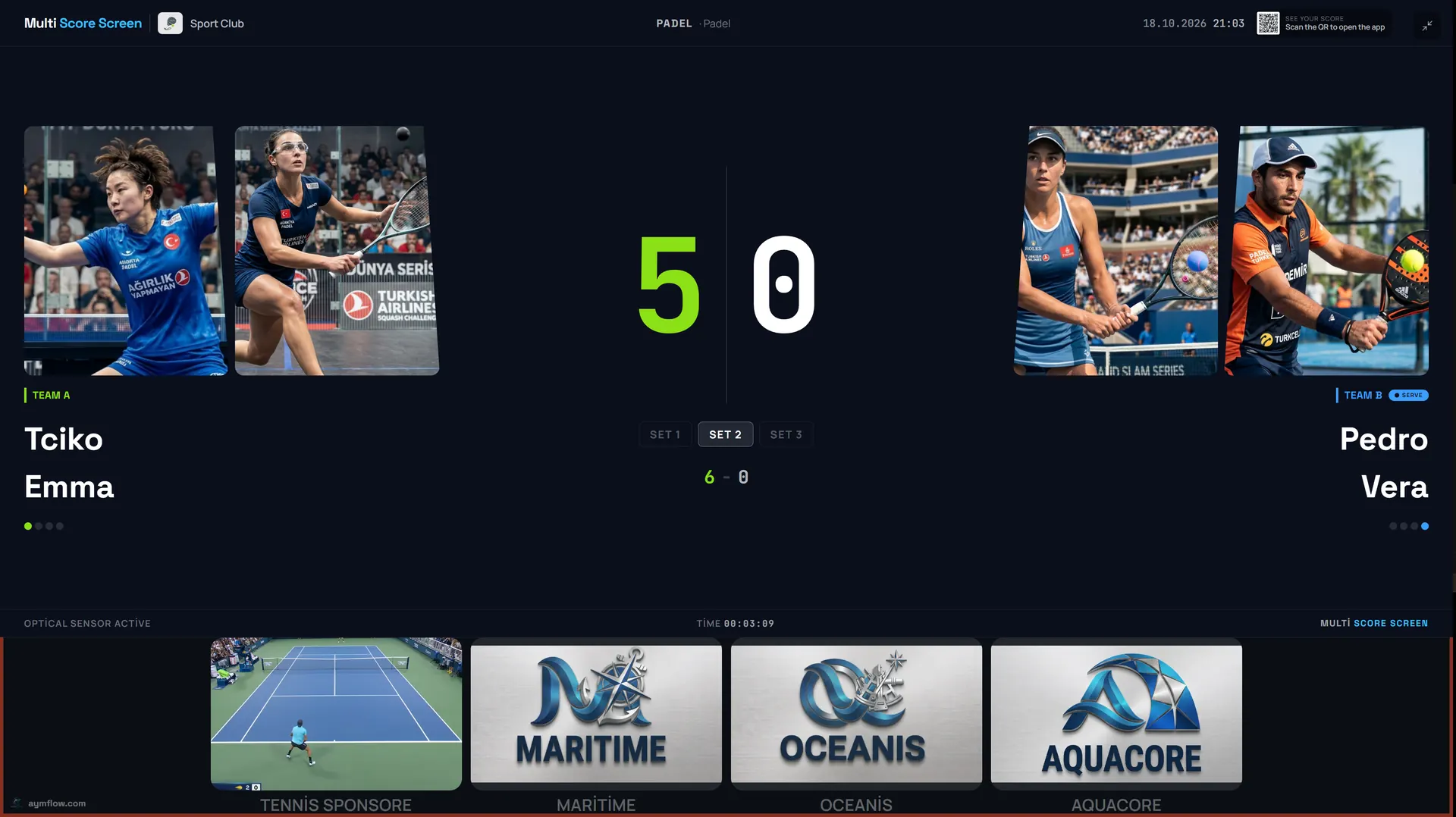
Six score screen themes, one live score. Every court TV can wear its own theme; the score and the sponsor strip stay the same while the look changes to suit the venue.
Winner Screen
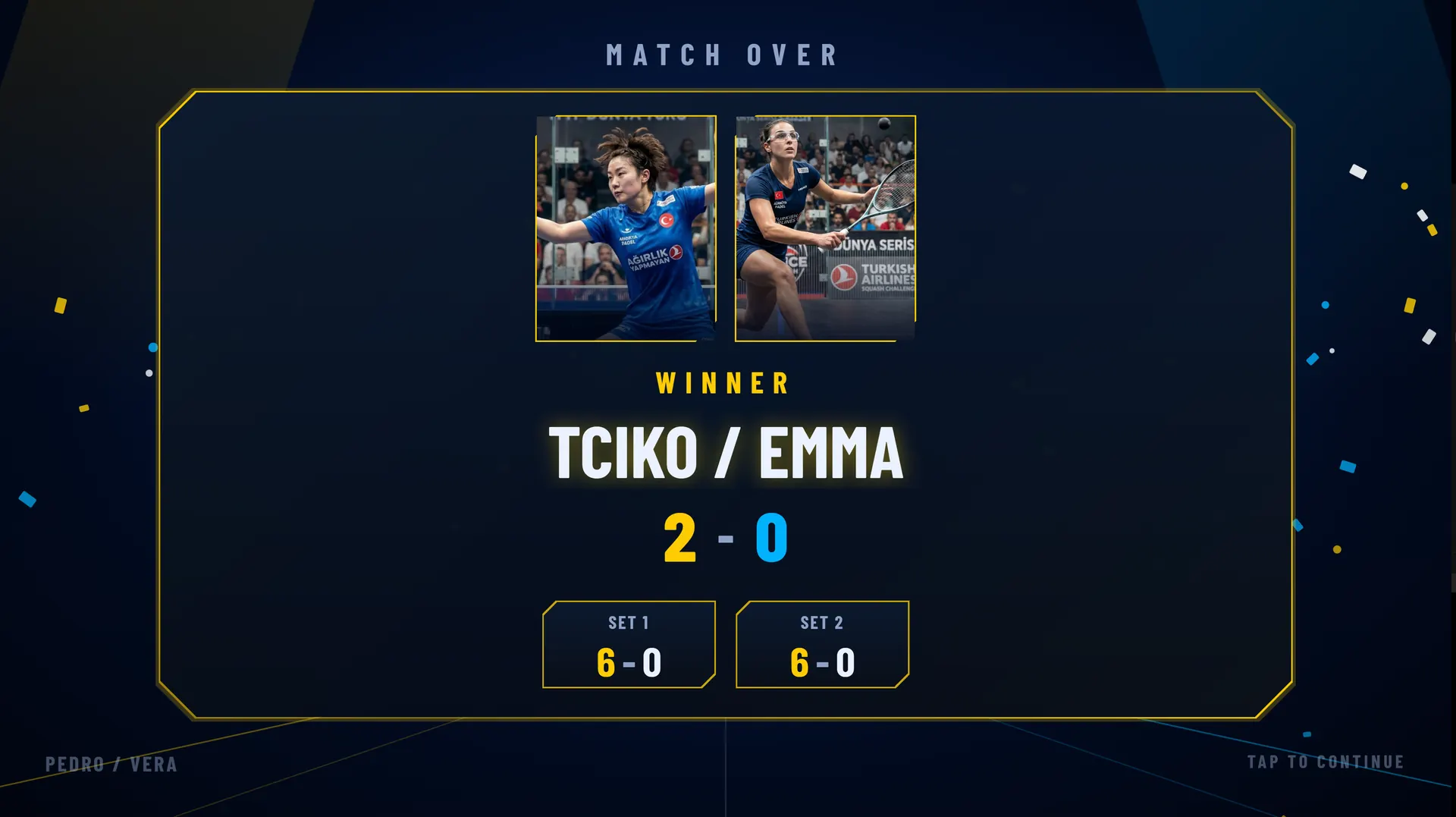
When the match ends, confetti falls and the winners' names and set scores take over the TV.
Everything Multi Score Screen Can Do
Beyond native eight-sport scoring, here is what running Multi Score Screen on your courts gives you.
No Proprietary Hardware
Runs on the TV or display a court already owns, nothing extra to buy or install.
One System, Eight Sports
A single platform replaces separate scoreboards for every sport a venue offers.
Phone-Based Scoring
Any phone becomes the scoring console, so there is no extra device to buy or charge.
Point & Game Undo
Fix a mis-tap instantly without restarting the match or losing the score.
QR Spectator Access
A quick scan lets anyone follow the match live from their own phone.
Tournament Mode
Run round-robin or knockout brackets across multiple courts from one dashboard.
Multi-Court Dashboard
Manage every court and every sport a venue offers from a single login.
Custom Branding
Club colors and logo appear on the score display for a consistent look on every court.
Free Software Updates
The Starter, Pro, and Elite plans keep receiving new features and sport updates at no extra cost.
Referee Mode
A referee or staff member runs the match from a phone: add a point, take one back, set the server. The official score, entered by hand, with no sensors required.
Screen Themes
Six looks for every court TV, from minimal Platinum and bold Classic to Gold, Broadcast, Neon and Pro, with a winner screen when the match ends.
Reservations
Add, edit, or cancel reservations from the Reservation Calendar, and filter bookings by time and status at a glance.
Smart Court Technology for Clubs and Facilities
Multi Score Screen brings smart court technology to the TVs a facility already has: a smart scoreboard on every court, a score screen players control from a phone, sponsor slots on the same display and a board that shows which courts are free, busy or reserved. The padel scoreboard, tennis scoreboard and badminton scoreboard are one system with each sport's own rules, so a multi-sport club runs all of its courts from a single setup.
Who Is Multi Score Screen For?
Facility Managers & Club Owners
Give every court, across every sport offered, the same live scoring experience without adding staff or hardware.
Coaches & Tournament Organizers
Run matches and brackets without a dedicated scorer's table.
Players
Update the score from a phone and let the TV already mounted courtside do the rest.
Spectators
Follow along by looking at the court TV, or remotely through a QR-code link.
Built For Real Venues, Not Just Showrooms
Indoor or outdoor, daylight or UV glow, the score screen runs on the display a venue already has.
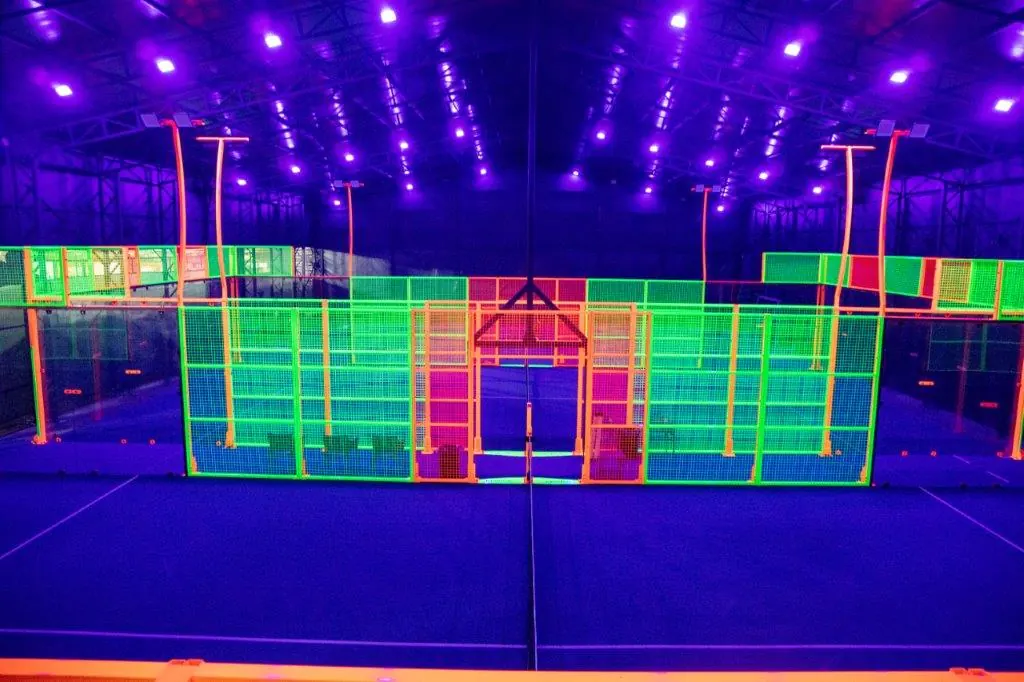
Atmospheric indoor halls
Dark rooms and dramatic lighting suit a high-contrast screen that keeps the score easy to read.
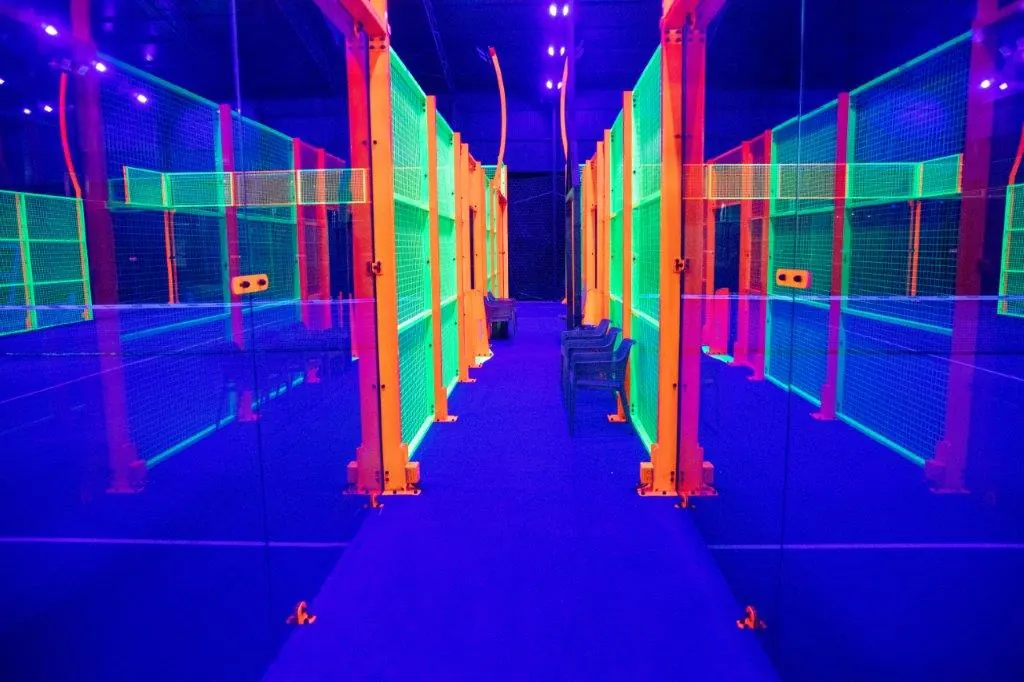
Rows of courts, one dashboard
Manage every court and every sport from a single login, however many courts your venue has.
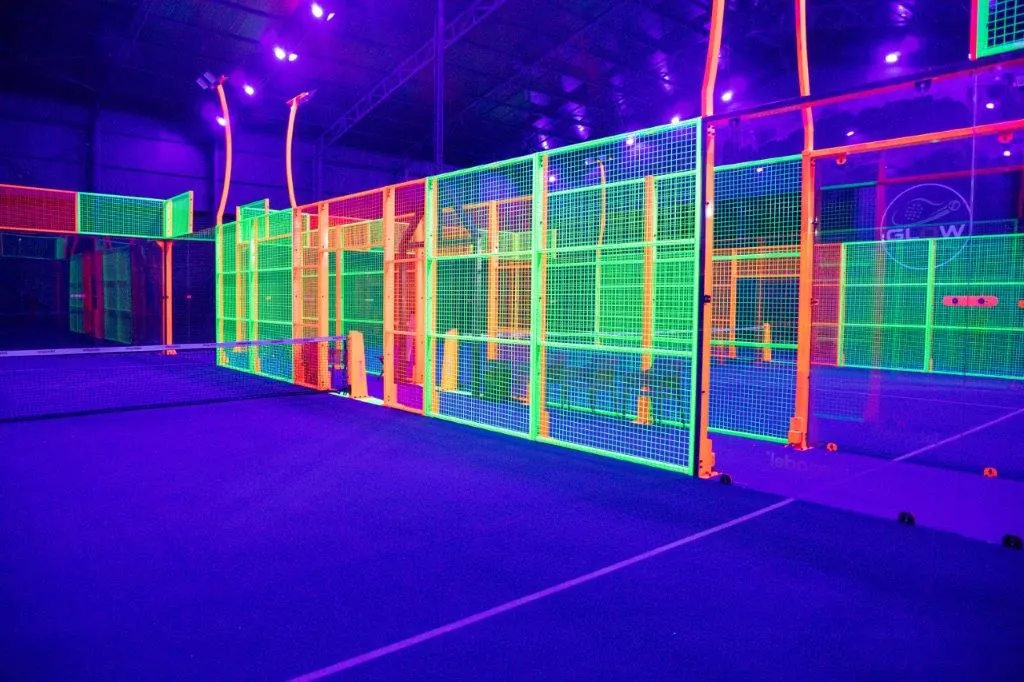
Courtside in minutes
Connect the TV you already own, scan the QR code, and the court is ready for its first match.
Frequently Asked Questions About Multi Score Screen
No. There is no special installation. Scoring runs from a simple phone interface, and most courts are live the same day a club signs up.
Yes. A QR code opens a live link to the match so anyone can follow the score from their own phone, whether they are courtside or not.
No. One system understands tennis, padel, badminton, squash, table tennis, volleyball, pickleball and padbol natively, so a club never runs separate scoreboards per sport.
No. A player, coach, or staff member scores from a phone, so no dedicated scorer's table or extra equipment is needed.
Yes. Tournament mode runs round-robin or knockout brackets across multiple courts from one dashboard, so organizers do not need a separate bracket tool.
Scoring keeps working through a weak connection and syncs automatically once the connection is back, so a match is never interrupted.
Yes. Custom branding puts your club's colors and logo on the display, and the Elite plan offers full white-label branding.
Plans are licensed per court: Starter for a single court, Pro for up to five courts with all eight sports, and Elite for up to ten courts with white-label branding.
Ready To See Multi Score Screen In Action?
Whether you run a single tennis court or a multi-sport facility, Multi Score Screen is ready to put live scoring on the screen you already own.