Squash Scoreboard Buying Guide: What to Check Before You Choose
By the Multi Score Screen team6 min read
Main guide: Squash scoreboard guide
In this guide
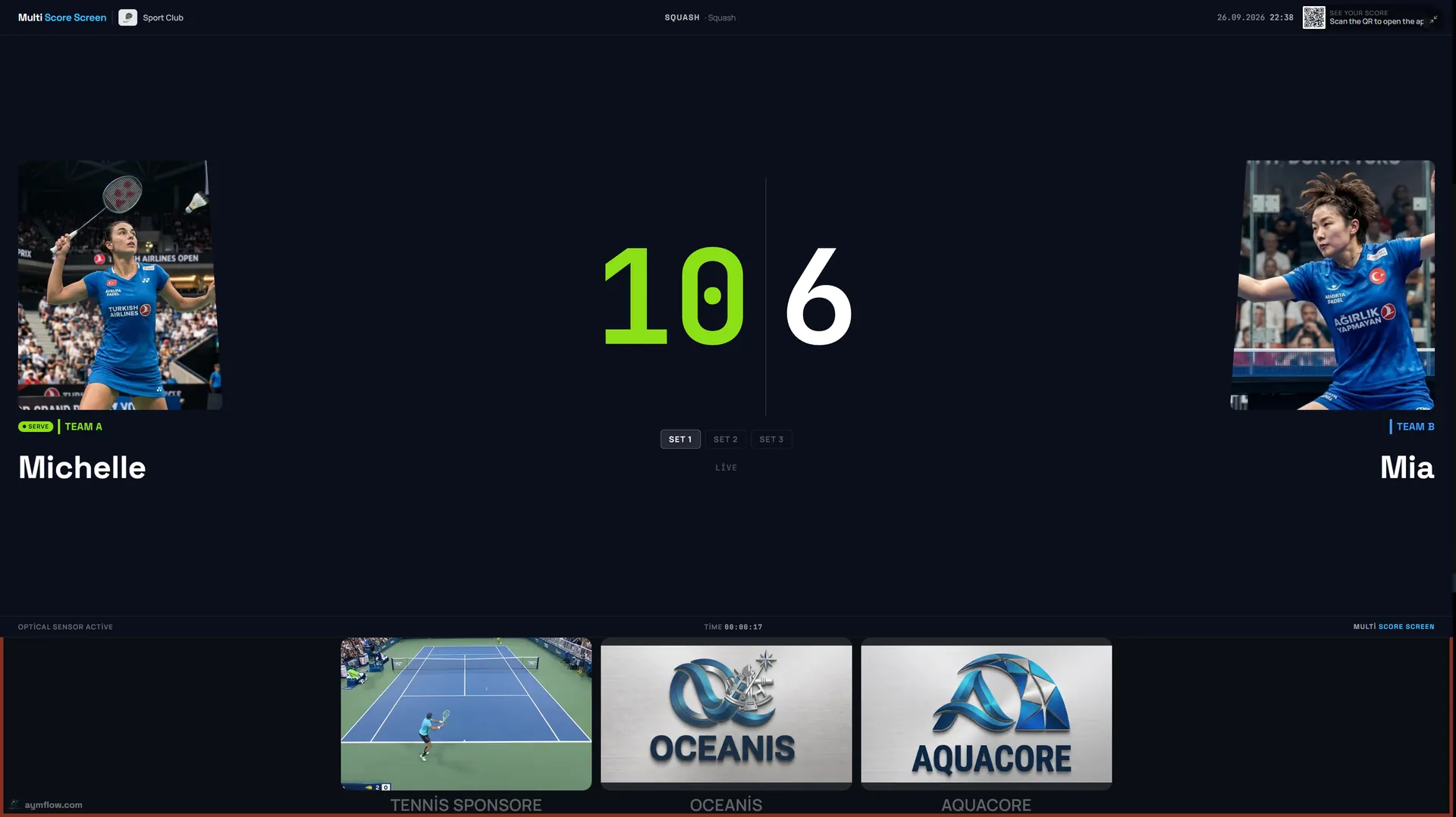
Choosing a squash scoreboard comes down to five questions. Does it count PAR-11 properly, including the two-clear rule at 10-10? Can each court get a screen that sits outside the four walls? Can a marker or a player keep up with fast rallies from a phone? Will it handle box leagues and the club championship? And what does each court cost per month or once? Because Multi Score Screen uses the TV a court already has, hardware is rarely the deciding factor; software, placement and the plan are.
Start with your courts and your week
For every court, list a normal week's activity:
- Box leagues with fixtures arranged by players.
- Club nights with rotating games.
- Coaching for juniors and adults.
- Inter-club team matches with home and away players.
- Tournaments a few times a season.
- Pay-and-play bookings from members and the public.
League and event courts ask the most of a scoreboard. Coaching courts mainly need a visible score and quick resets.
The checklist
| Question | Why it matters in squash | What Multi Score Screen does |
|---|---|---|
| Does it apply PAR-11? | 10-10 is where memory fails | Games to 11, two-point lead from 10-10 |
| Does it show the server? | The rally winner serves next | Serve indicator on screen |
| How fast is scoring? | Every rally scores | One tap per rally on a phone |
| Can markers use it? | Official matches have a marker | Referee mode with plus and minus buttons |
| Can mistakes be fixed? | Tight calls at the tin | Point and game undo |
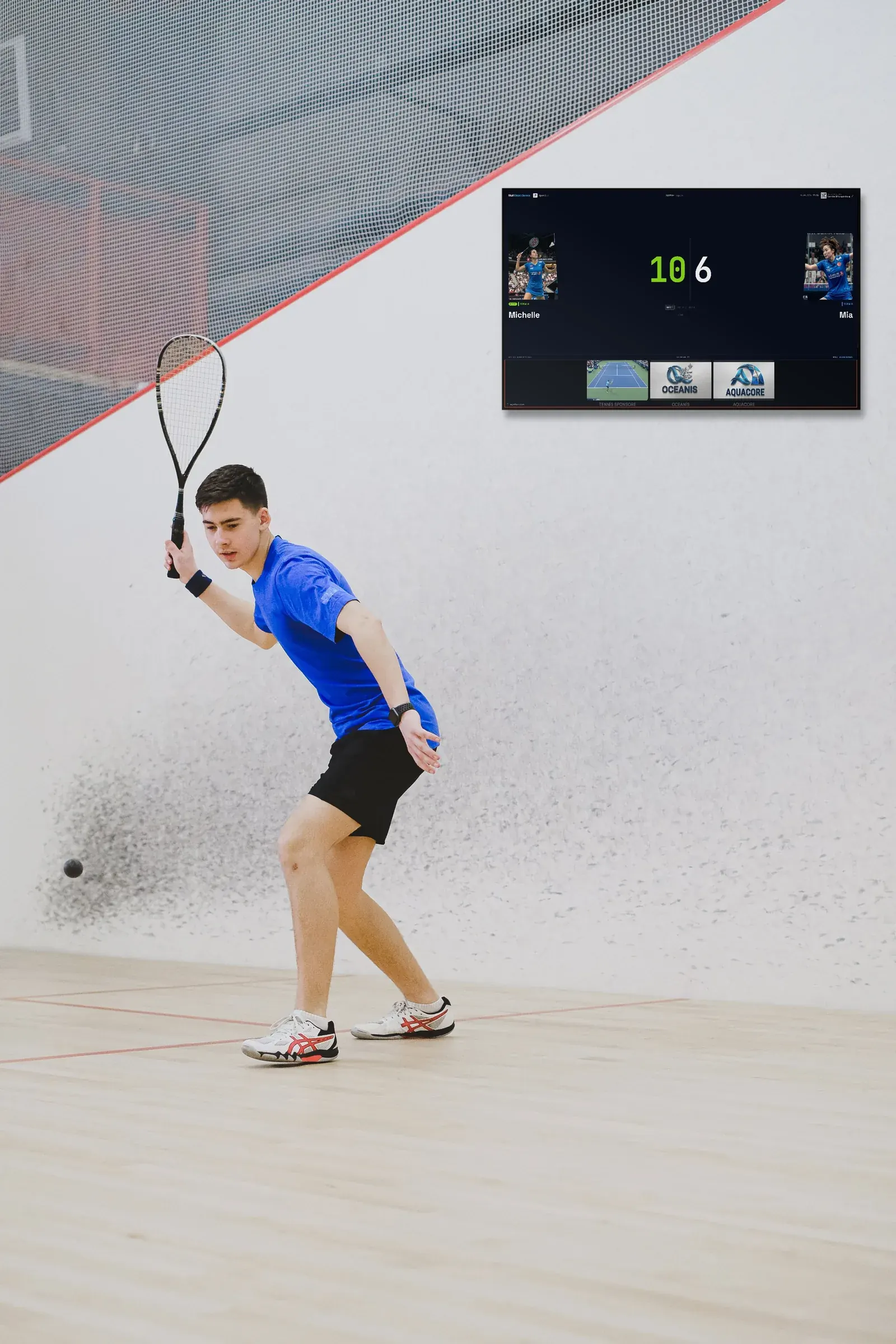
| What screen is needed? | One per court, outside the playing area | Any TV with internet and a streaming app or HDMI |
| Can it run leagues and events? | Box leagues and championships | Round robin or knockout across courts from one dashboard |
| Can spectators follow? | Galleries are small | Live link via QR in any mobile browser |
| Sponsors? | Corridors are busy all day | Strip under the score and full-screen content between matches |
| Other sports? | Many clubs share a building | Eight sports on one account |
Screen questions
- Existing TVs? A screen with internet plus a streaming app, or an HDMI input for a small player, is all a court needs.
- Where will each screen go? Above the back wall, in the gallery or by the door; see squash court scoreboard.
- Can players read it from the T? Test before mounting.
- Is there internet at each position? A row of courts often needs an access point in the corridor; see the squash scoreboard Wi-Fi guide.
Format questions
Club and league squash is normally played as best of five PAR-11 games. Junior sections and social evenings sometimes use best of three; ask to see that format during the demo rather than assuming it. Agree in advance who enters the score in each kind of session, whether a marker in the gallery, the players themselves or the coach. Automatic point detection with optical sensors is part of the Unlimited plan only.
Beyond the score: running the club
Most of a squash club's day is bookings, not matches, so judge the system on that too. Courts switch between rental, lesson and tournament mode; that one setting keeps pay-and-play hours, coaching and championship weekends separate in the records. At the front desk, the Court Status Board answers "which court is free?" in a glance, and the Reservation Calendar is where staff create, move and cancel bookings. Season reports come from the statistics, which break down reservations and occupancy per sport and export to CSV. Two plan details matter for squash: team names and colors for inter-club fixtures start at Pro, and replacing our branding with the club's (white-label) needs Elite or Unlimited. Sponsor content runs on every plan; squash scoreboard sponsorship covers how to sell it.
Plans by club size
| Plan | Courts | Monthly / yearly or one-time | Squash club fit |
|---|---|---|---|
| Starter | 1 court, 1 sport | $44 a month, $528 a year | A single glass show court |
| Pro | Up to 5 | $134 a month, $1,608 a year | Typical club; team colors for league fixtures; all eight sports |
| Elite | Up to 10 | $224 a month, $2,688 a year | Larger centres; own branding, dedicated onboarding, SLA priority support |
| Unlimited | Per court | $1,299 per court, paid once | No term limit; optical sensors included; software updates not included |
Most squash clubs have between three and five courts, which is Pro territory; centres with six or more courts usually land on Elite, and clubs that would rather pay once per court than monthly pick Unlimited. General cost questions are answered in the court scoreboard cost guide, and multi-sport centres should read the multi-sport scoreboard guide.
Red flags in a demo
Be cautious if a system ends a game at 11-10, cannot show who serves next, makes every player download an app and register, expects a screen inside the court, or forces a restart to fix one rally. Each of those becomes a daily irritation on a league night.
A practical test before you buy
Book the demo for a league evening on your busiest court. Push one game to 10-10 and make sure it carries on. Have a player read the screen from the T after a rally, and have a member in the bar open the live link on their phone. If all three work, the essentials are covered.
Who will use it every day
The committee decides, but reception, coaches and players use the system. Invite one of each to the demo: reception looks at the calendar and status board, the coach at quick resets between drills, players at how easy the QR code is to scan. If all three find it simple, the club will adopt it quickly.
Frequently asked questions
Do we need new screens for a squash scoreboard?
Usually not. A TV that connects to the internet through a streaming app or HDMI player will do.
Which plan suits a club with four courts?
Usually Pro: up to five courts, all eight sports, and team names and colors.
Are optical sensors included in every plan?
No. Optical sensors are included only with Unlimited.
Can we play best of three?
Test shorter formats such as best of three in a demo before relying on them.
What does Unlimited include?
A licence per court for $1,299 once, with no term limit and optical sensors included; software updates are not included.
Ready to compare? Request a demo and test 10-10 on your own court.
Explore the Multi Score Screen digital scoreboard for padel, tennis, pickleball and 5 more sports →