Pickleball Scoreboard Problems and Fixes: A Courtside FAQ
By the Multi Score Screen team6 min read
Main guide: Pickleball scoreboard guide
In this guide
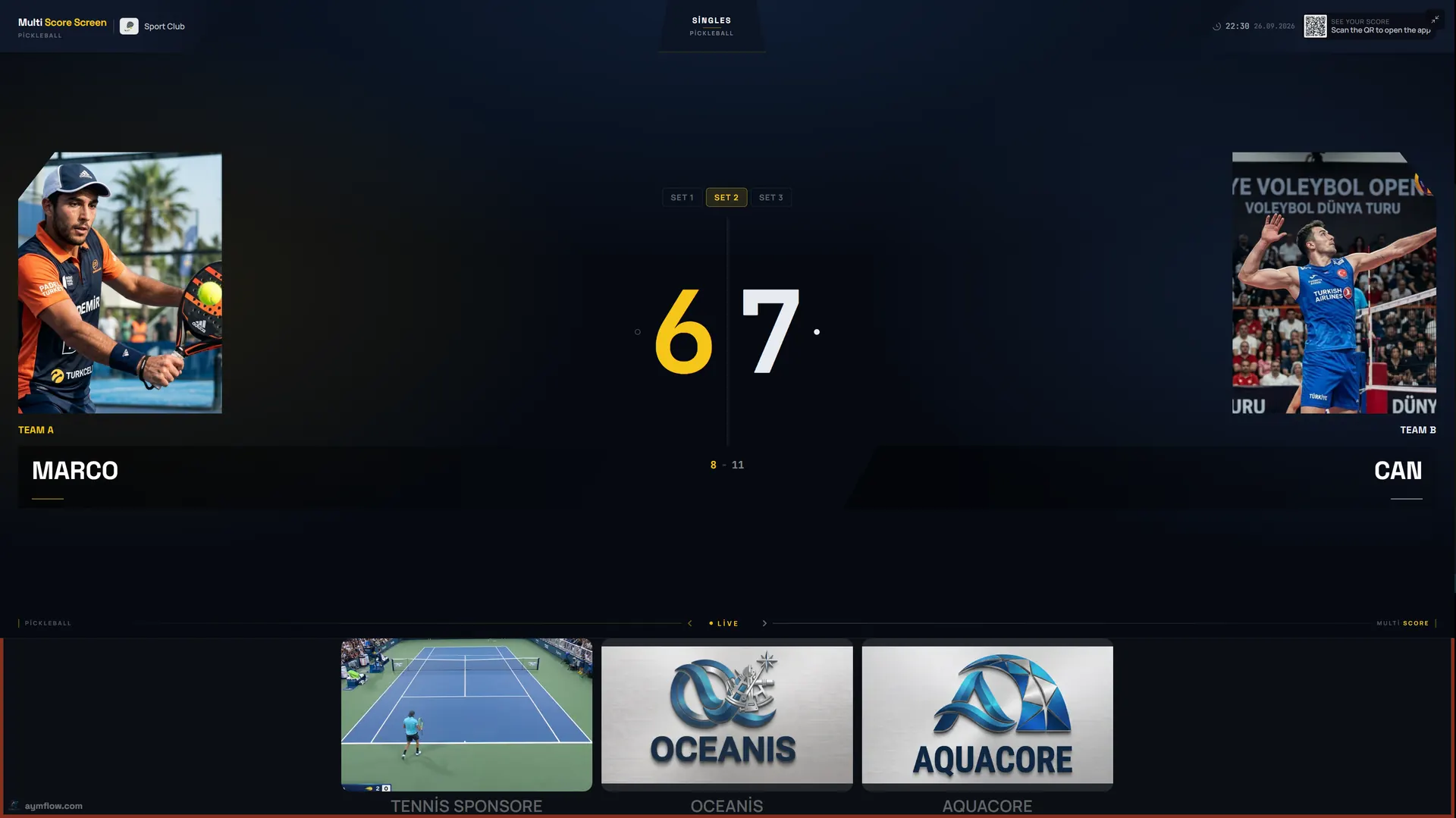
Most pickleball scoreboard problems come from the same few causes: a rally tapped for the wrong side, a disagreement about the server number, a game set up in the wrong scoring format, a phone joined to the neighbouring court or a TV that lost its connection. This page lists what players and staff actually run into, why it happens and how to fix it in under a minute. For what the screen should look like when everything works, start with the pickleball scoreboard guide.
Symptoms at a glance
| Symptom | Most likely cause | Quick fix |
|---|---|---|
| Score one point off | Rally tapped for the wrong side | Point undo |
| Server number wrong | A rally lost by the serving side was missed or added | Undo to the last agreed rally |
| Score moves when the receiving side wins | Game set to rally scoring | Check the format for the next game |
| Score never moves for the receiving side | Game set to side-out scoring | Expected in side-out; check the format if you meant rally |
| PIN not accepted | PIN from the neighbouring court, or the game has reset | Scan your own court's TV again |
| TV stops updating | TV lost its connection | Check the TV's network; restart it |
| Wrong sport on the court | Court set to another sport | Change the court's sport on the dashboard |
| Sponsor missing | Content not assigned to this court | Check the court's sponsor settings |
The score or server is off by one
This is the classic pickleball dispute. After a long dink rally someone tapped the wrong side, or a lost serve was not entered, and now the server number does not match what players remember. Do not restart the game. Use point and game undo to step back to the last rally both teams agree on, then play on. The screen also shows the serving side, so it is easy to see where things diverged.
Point or side-out?
In traditional side-out scoring, only the serving side can score. If the receiving side wins the rally, the score stays the same and the serve moves on: to the second server, or to the other team after the second server loses. Players new to pickleball often expect a point every rally. If the screen does not add a point when the receivers win, that is correct in side-out scoring.
If your group meant to play rally scoring, where every rally scores, the game is in the wrong format. Finish or restart the game and choose the right format for the next one. If your league uses games to 15 or 21, check with us that the format is set up correctly before matches depend on it.
The PIN or QR code does not work
- Check that it is your court. On a bank of courts, the neighbour's TV is often closer than your own. Each PIN belongs to one court.
- Check that the game is current. The QR code and PIN refresh after every game, so a code photographed earlier will not work for the next group.
- Check the phone's connection. It needs mobile data or Wi-Fi. The full flow is in the pickleball scoreboard app guide.
The TV stops updating
If the phone shows the new score but the TV does not, the TV has probably lost its connection. A brief drop is no problem: scoring keeps working and syncs when the connection returns. If the TV stays offline, check its network and restart it. If it keeps happening on the outer courts of a bank, the signal there is too weak; see the pickleball scoreboard Wi-Fi guide.
The court shows the wrong sport
In halls and converted tennis courts, a court may have been set to tennis, badminton or another sport. Change the court's sport to pickleball on the dashboard; the next game uses pickleball scoring.
A sponsor is missing
Sponsor content is assigned per court. Check that it is assigned to this court and that the dates are current. See pickleball scoreboard sponsorship.
The score is hard to read
On outdoor courts the cause is usually sun or glare. Switch to Classic or Pro, shade the screen or turn it away from the low sun. See outdoor pickleball court scoreboard.
Names and photos disappeared
This is by design. Player names and photos used for a match are temporary and are removed when the match ends.
Habits that prevent problems
- After the first rally, everyone looks at the TV: if the score is there, the phone joined the right court.
- Before every serve, the server reads the three-number call off the screen.
- In open play, the group coming off the court lets the winner screen finish so the next group gets a fresh code.
- Once a week, play a test rally on every court and note any screen that is slow to update.
When to contact support
Contact us if the problem is not listed here, if undo does not restore the right score, or if a court keeps losing its connection after you have checked the network. Tell us the court name, the time and what the screen showed. You can reach us through the contact page; general issues for every sport are covered in scoreboard troubleshooting.
Frequently asked questions
How do we fix a wrong server number?
Use undo to go back to the last rally both teams agree on, then continue. The rest of the game is kept.
Why does the score not change when the receiving side wins?
In side-out scoring only the serving side can score; the receivers win the serve, not a point.
Why is my PIN not accepted?
It may belong to the neighbouring court, or the game has reset with a new PIN. Scan your own court's TV again.
What happens if the Wi-Fi drops during a game?
Scoring keeps working during a short drop and syncs when the connection returns.
Why did player photos disappear after the game?
Names and photos are temporary and are removed when the match ends.
Can we switch a court from pickleball to another sport?
Yes. Change the court's sport on the dashboard; the next match uses that sport's scoring.
Still stuck? Contact us or request a demo to walk through your setup.
Explore the Multi Score Screen digital scoreboard for padel, tennis, pickleball and 5 more sports →