Pickleball Scoreboard App: Scoring Side-Outs and the Three-Number Call From a Phone
By the Multi Score Screen team6 min read
Main guide: Pickleball scoreboard guide
In this guide
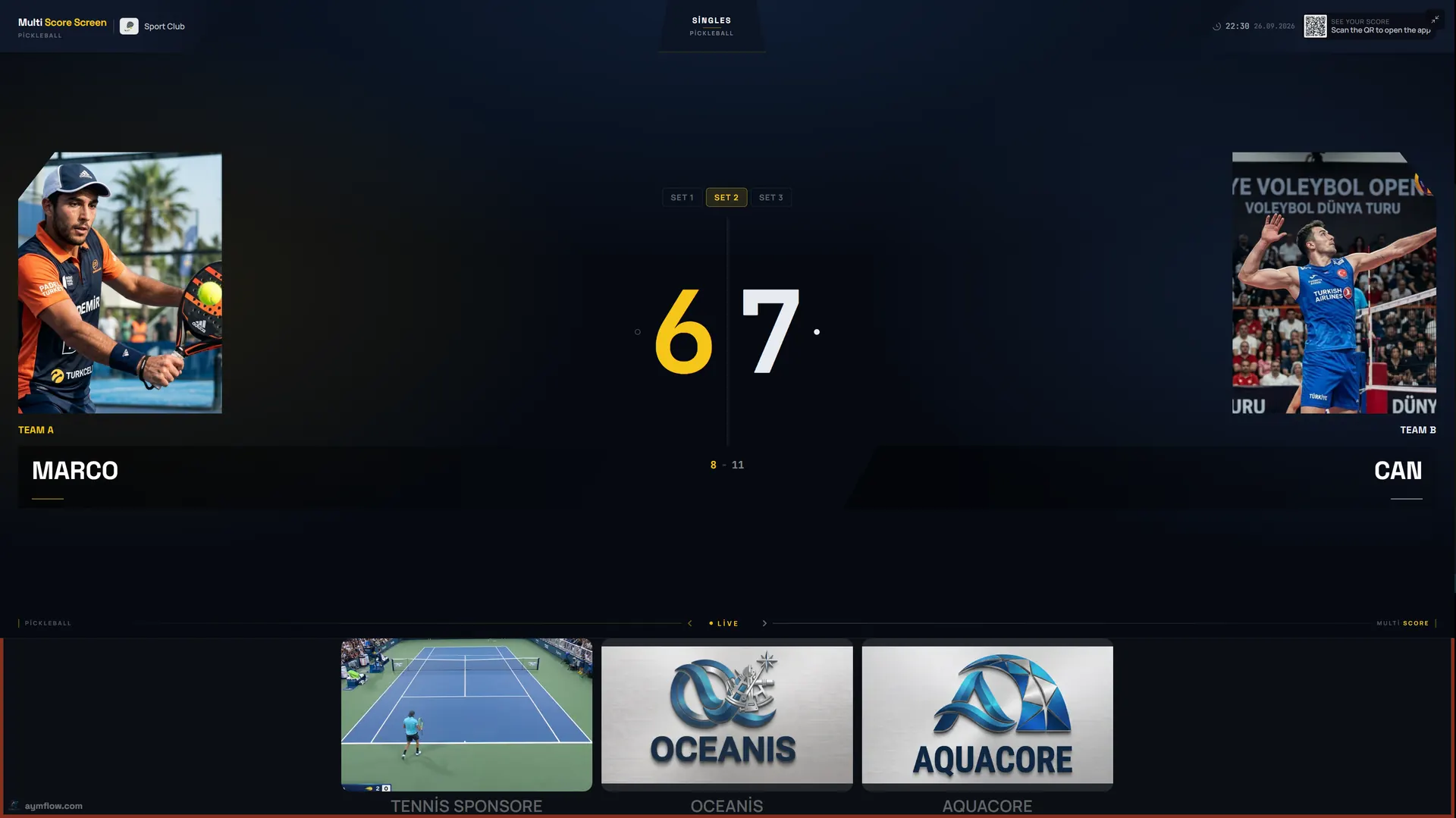
A pickleball scoreboard app lets one player or a referee keep the score on a phone while the court TV shows it to everyone. With Multi Score Screen there is nothing to download: scan the QR code on the court TV, enter the PIN beside it and your phone controls that game. You tap the side that won each rally; the scoreboard decides whether it was a point or a side-out, moves the server number on and keeps the three-number call on screen.
Joining a court in four steps
Between games, the court TV shows a join QR code and a PIN. The next group on court:
- Scans the QR code with a phone camera. The scoring screen opens in the browser; no app store, no player account.
- Enters the PIN shown on the TV. The PIN ties the phone to that court, so nobody on the neighbouring court can score your game by accident.
- Checks the details, such as team names and which side serves first.
- Taps the winner of the first rally. The TV updates at once.
After every game the QR code and PIN refresh, so the next group in open play gets their own code.
Why one tap per rally is enough
Pickleball's side-out scoring is the reason players lose count. Only the serving side can score; in doubles each side has two servers; and the score is called as three numbers. The app takes all of that off the scorer:
| What happens | What you tap | What the TV shows |
|---|---|---|
| Serving side wins the rally | The serving side | Their score goes up by one; same server serves again |
| Receiving side wins, first server was serving (doubles) | The receiving side | No point; serve passes to the partner, server number 2 |
| Receiving side wins, second server was serving | The receiving side | Side-out; serve passes to the other team |
| Rally scoring format | The side that won | A point for that side, whoever served |
| Wrong side tapped | Undo | The previous score and server |
Because the server number is always visible, the three-number call (serving score, receiving score, server number) can be read straight off the TV before every serve.
Who holds the phone
Pickleball is mostly doubles and mostly self-scored. Groups usually settle on one of these:
- Open play: whoever scanned the code scores; the others check the TV before serving.
- League games: one player from each team takes turns by game, or the home team scores.
- Lessons and clinics: the coach scores drills and practice games.
- Medal matches: a referee in referee mode.
Keep the phone on the bench or the net post rather than in a pocket. Tap the rally when the ball is dead, before collecting balls.
Referee mode
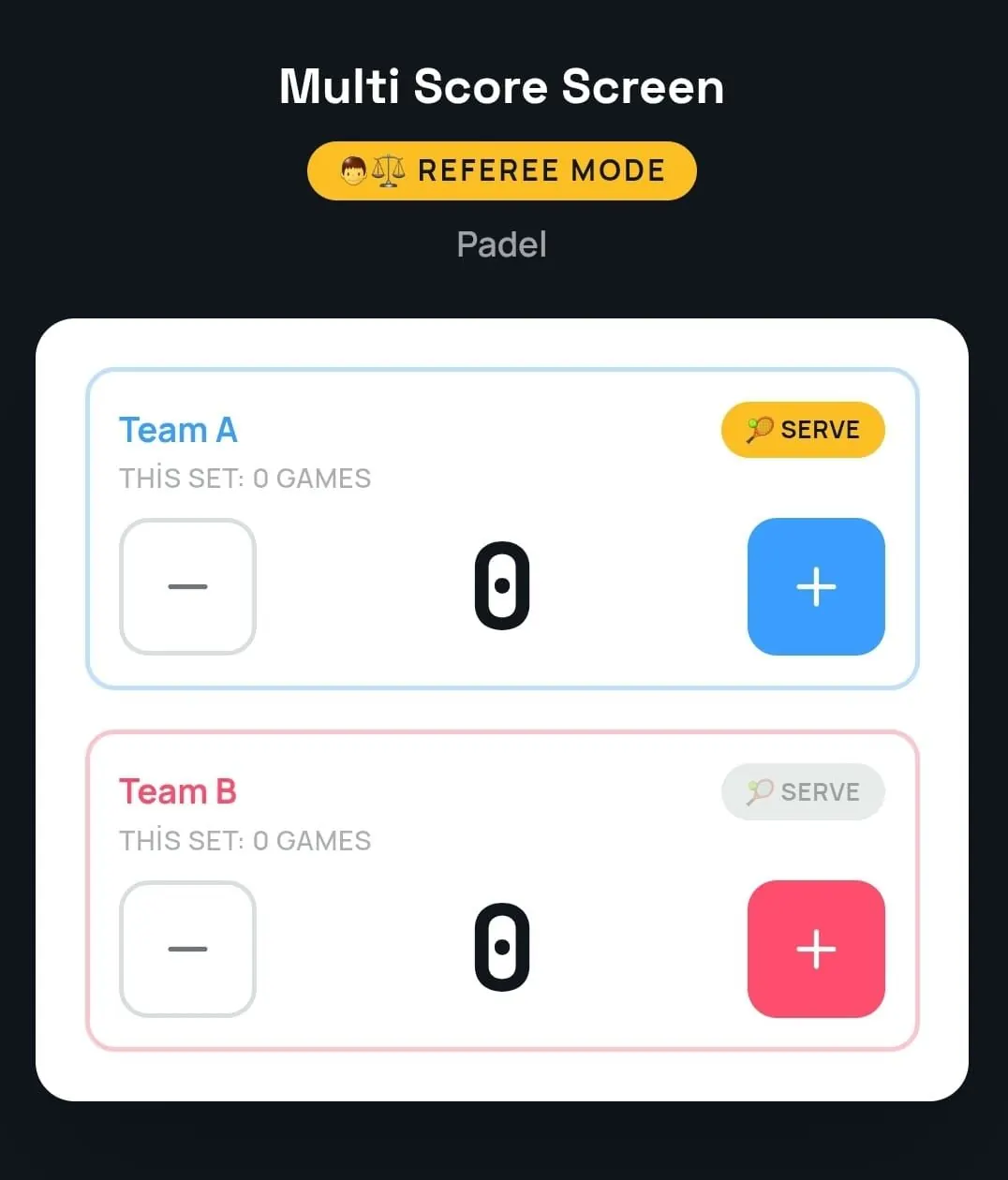
Referee mode turns the phone into a match console with plus and minus buttons for each side and the serve indicator. A referee or staff member adds a point, takes one back or sets the server, and the TV follows. It is the official score, entered by hand, with no sensors on court. Optical sensors that detect points automatically come with the Unlimited plan; without them, referee mode is how an official pickleball score is kept. How referee mode fits a full event is shown in the pickleball tournament scoreboard guide.
Fixing mistakes
Mis-taps happen, particularly after a long dink rally when nobody is sure who hit last. Use undo: point and game undo restore the previous score and server without restarting the match. If players disagree about the server number, undo back to the last rally everyone agrees on and play on from there.
If the connection drops
Many pickleball courts are outdoors or in large gyms. If the Wi-Fi drops briefly, scoring keeps working and syncs once the connection returns. If a phone or TV cannot connect at all, the pickleball scoreboard Wi-Fi guide explains how to cover banks of courts.
Following without scoring
Scanning the QR code also opens a live link to the game in any mobile browser, with nothing to install. Players waiting for a court, friends at the café or the event desk can follow along. Player names and photos used for a match are temporary and are removed when the match ends.
Compared with a general remote app
Our general scoreboard remote control app guide covers phones, tablets and remotes for any sport. What matters for pickleball is that the app understands side-out scoring, two servers per team and the three-number call. If your group plays formats beyond side-out scoring to 11 and rally scoring, such as games to 15 or 21, check them with us in a demo first.
What you need
Any modern smartphone with a browser. Each court needs a TV or display with an internet connection and either a streaming app or an HDMI input. Plans are licensed per court: Starter ($44/month) for one court and one sport, Pro ($134/month) for up to five courts and all eight sports, Elite ($224/month) for up to ten courts, and Unlimited at $1,299 per court one-time, with no term limit and optical sensors included. See the pricing page.
Frequently asked questions
Do players need to download an app to score pickleball?
No. They scan the QR code on the court TV and enter the PIN; the scoring screen opens in the phone's browser.
Does the app know when a rally is a side-out?
Yes. In side-out scoring you tap who won the rally, and the scoreboard decides whether it is a point or a change of server.
Does the TV show the server number?
Yes. The serving side and server number are shown, so the three-number call can be read off the screen.
Can we play rally scoring?
Yes. Rally scoring formats are supported as well as traditional side-out scoring.
What if we tap the wrong side?
Use undo. It restores the previous score and server without restarting the game.
Want to try it on your own court? Request a demo and score a pickleball rally from your phone during the call.
Explore the Multi Score Screen digital scoreboard for padel, tennis, pickleball and 5 more sports →