Badminton Tournament Scoreboard: Running a Multi-Court Hall on Event Day
By the Multi Score Screen team7 min read
Main guide: Badminton scoreboard guide
In this guide
A badminton tournament scoreboard puts the live rally score of every match on its court TV and lets one dashboard run the whole draw. Badminton events pack a lot into one hall: six, eight or twelve courts side by side, singles, doubles and mixed events running at once, and matches that can last fifteen minutes or an hour depending on how close the games are. When every court shows its score, the control desk can see the whole hall at a glance, players know exactly where they stand at 19-19, and the people sitting in the stands can follow the court they care about.
Why badminton events are hard to run without screens
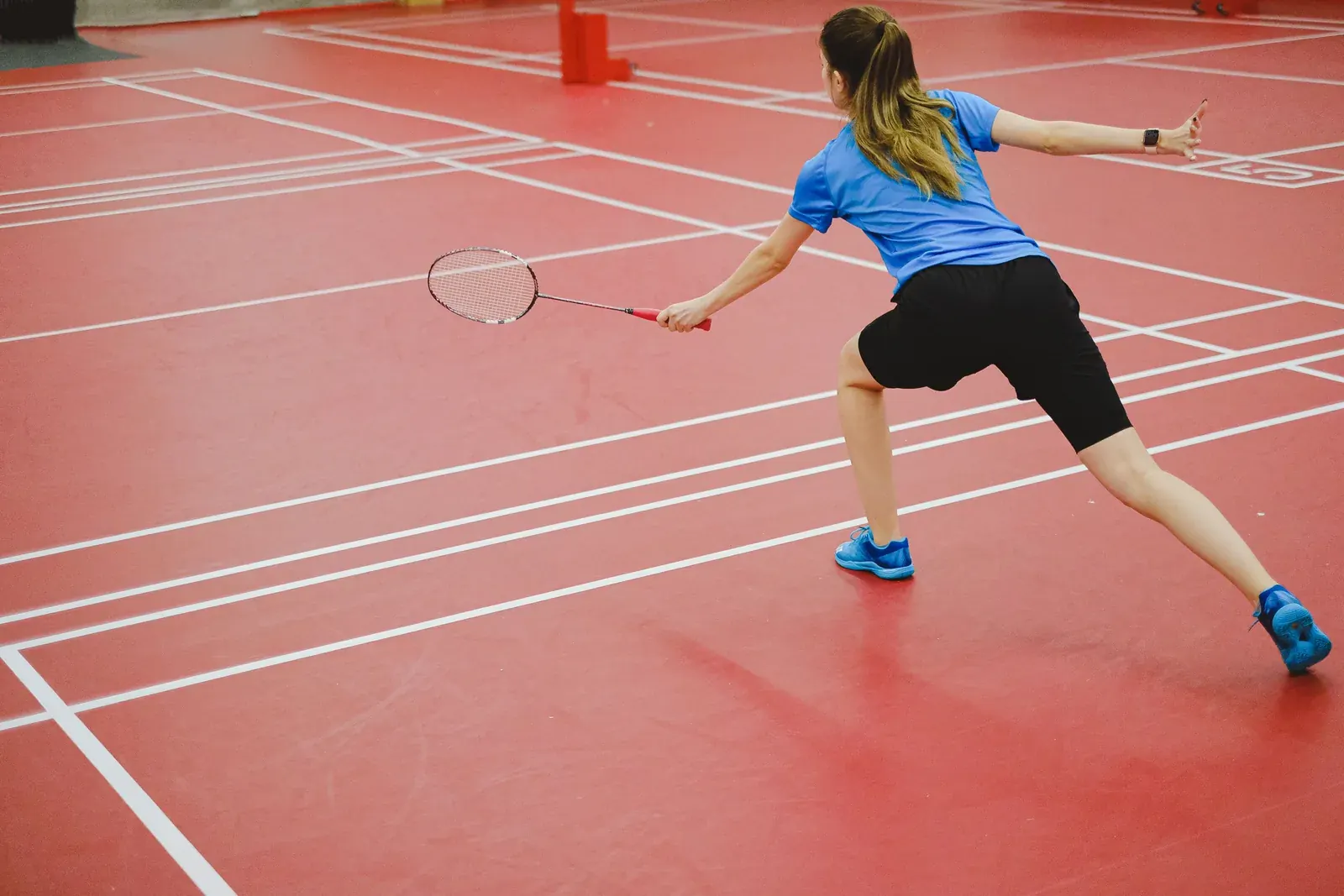
A badminton hall during a tournament is noisy and crowded. Courts sit a few metres apart, separated only by nets or curtains, and the control desk usually sits at one end. Without a score on each court, the desk relies on runners and paper score sheets to know which matches are close to finishing. Players waiting for their next match crowd the edges of courts to check the score. Umpires on high chairs keep paper scoresheets that have to be collected and copied.
Rally scoring makes this harder, not easier. Because every rally scores, games move fast, and a match that looks one-sided can turn quickly. The desk needs live information, not guesses.
What the scoreboard shows on each court
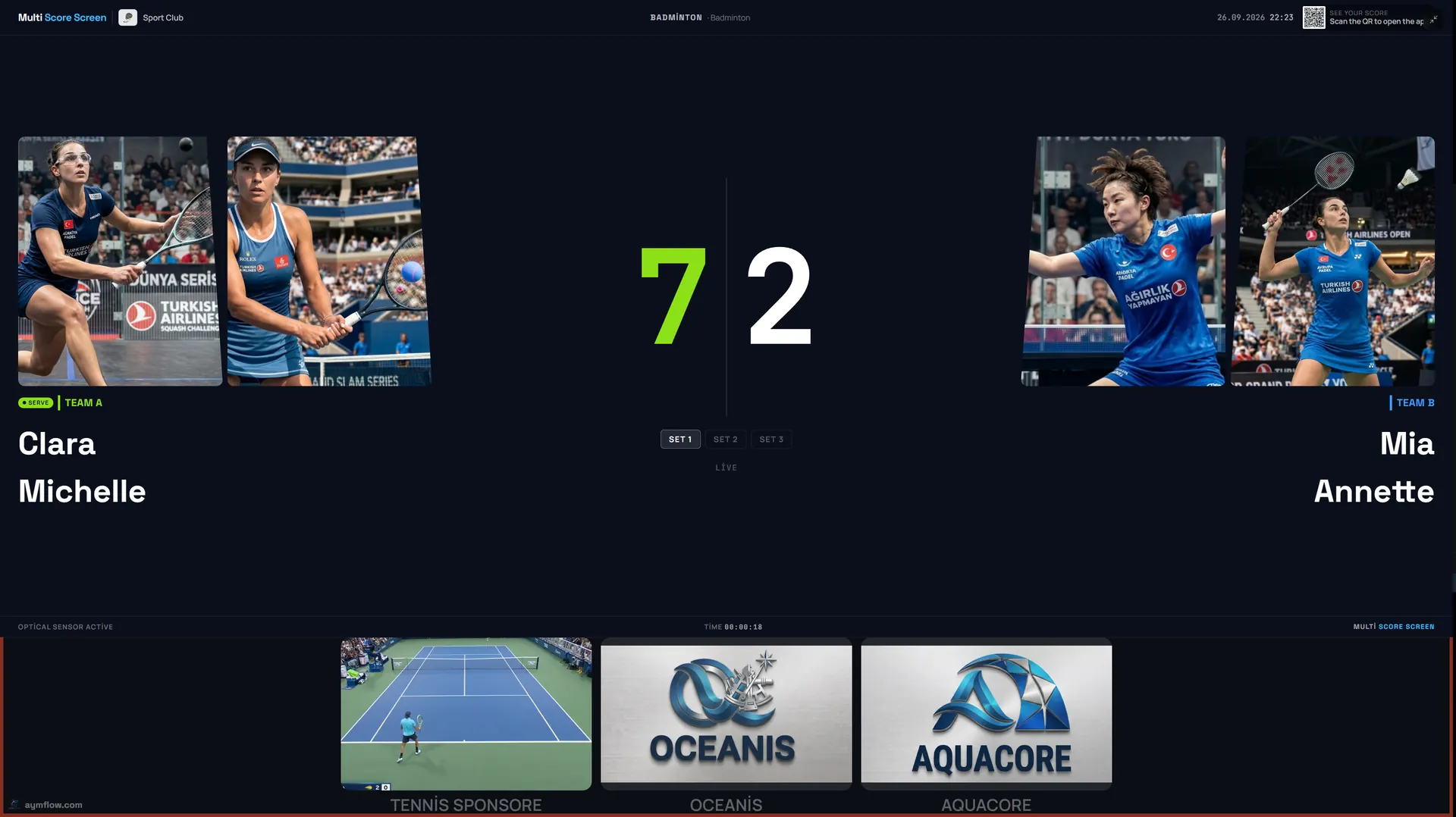
On every court TV, Multi Score Screen shows player or pair names and photos, the current points, the game number, games won and the serve indicator. The scoring engine knows badminton's rules: a game to 21, a two-point lead needed from 20-20, and the side that wins the 30th point taking the game at 29-29. The umpire or scorer only records who won each rally.
Choosing a format
| Format | Typical use | What to plan |
|---|---|---|
| Round-robin groups | Junior events, club nights, team leagues | Many matches; strict court rotation |
| Knockout draw | Club championships, open tournaments | Uneven finishing times |
| Groups then knockout | Larger events with guaranteed matches | A clear cut-off between stages |
| Team match (several rubbers) | Interclub league fixtures | Order of play across courts |
Most badminton events play the best of three games to 21. Some junior or social events use shorter formats, such as a single game or games to 15. If your event does that, check it with us when you request a demo so you see the format scored before the day.
Setting up the hall
- Number the courts on the dashboard exactly as they are marked in the hall.
- Put every event court in tournament mode with badminton as the sport.
- Build the draw with player or pair names, and assign the first round to courts.
- Open the scoreboard on every court TV and check that each shows its own QR code and PIN.
- Play a test rally on each court, then take one court to 20-20 to confirm the extended game.
The Court Status Board then shows which courts are empty, occupied or reserved, and that is where the desk lives for the rest of the day.
Umpires and self-scoring
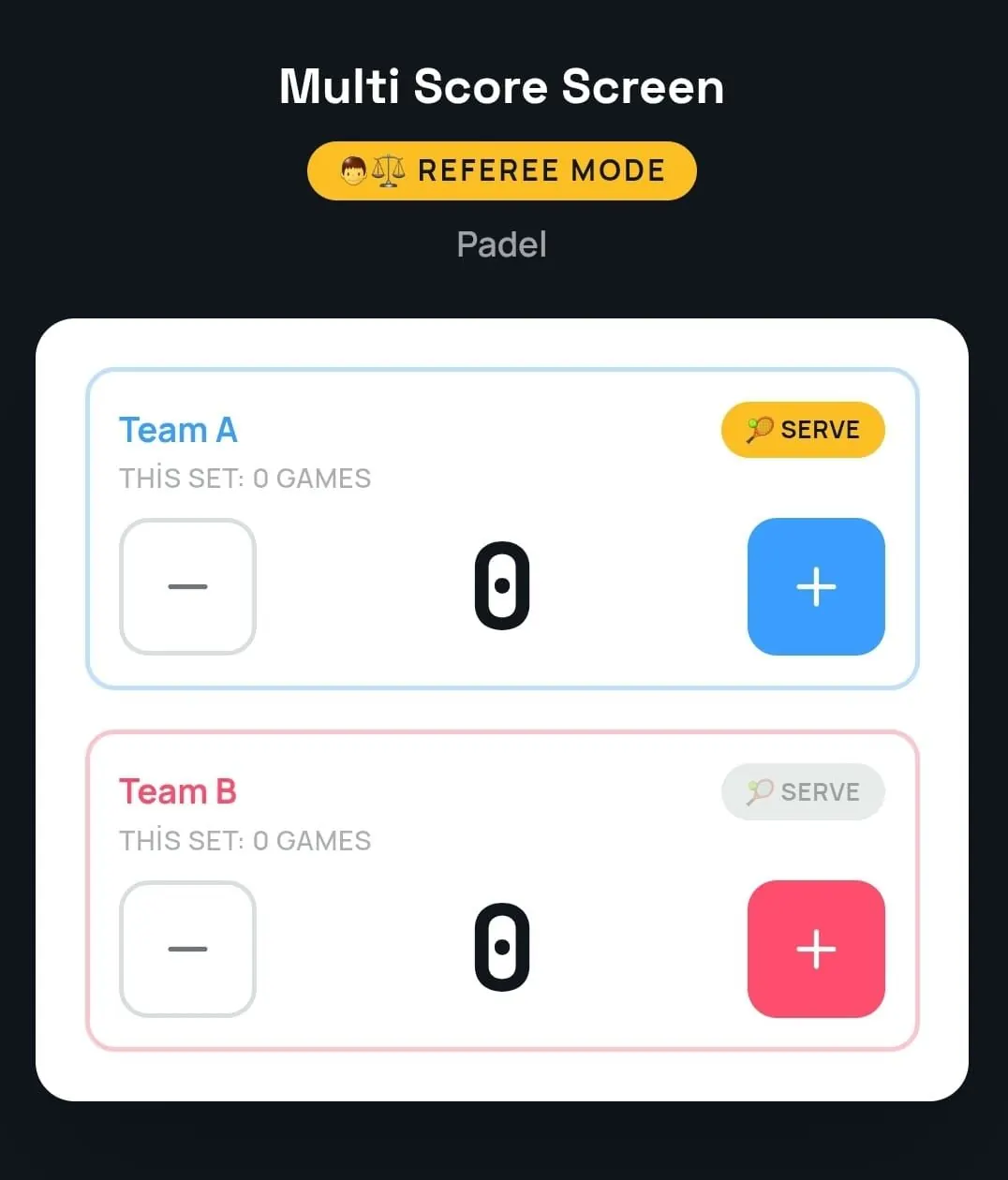
At higher-level events, each match has an umpire on a chair. Referee mode gives that umpire a phone console with plus and minus buttons for each side and the serve indicator, and the court TV follows the official score. At club events without umpires, one player per match scans the QR code and taps the winner of each rally. Mis-taps are fixed with point and game undo, without restarting the match. The phone side is covered step by step in the badminton scoreboard app guide.
Using live scores to call matches
The desk's main question is always "which court frees up next?". With every score visible, the answer is obvious: a match at 21-10, 18-6 is nearly over; one at 1-1 in games and 15-15 in the third is not. Call the next match to the court that is about to finish, and players can warm up nearby instead of waiting at the desk.
Badminton also has natural pauses that help the schedule: a short interval when the leading side reaches 11, and a longer one between games. Use those moments to announce the next match for that court.
Spectators and players in the stands
Each court TV shows a QR code that opens a live link to that match in any mobile browser, with nothing to install. Parents at a junior event can follow their child's court from the stands, and players can check whether their next court is close to finishing without leaving their seat. When a match ends, a winner screen shows the final game scores before the court resets. Player names and photos used for a match are temporary and are removed when the match ends.
Sponsors at the event
Tournament days fill the hall, and every court screen keeps a sponsor strip under the score. Between matches, while a court is free, full-screen sponsor images or videos can play. How to package that is explained in badminton scoreboard sponsorship.
A sample junior tournament
A club with eight courts runs a junior open with 80 players. Morning group matches are self-scored by players, with a volunteer per pair of courts to help. The desk follows the Court Status Board and calls the next match to each court as it frees up. In the afternoon, finals move to courts 1 and 2 nearest the stands, switched to the Gold theme, with volunteer umpires in referee mode. Screen positions for a hall full of courts are covered in badminton hall scoreboard.
Choosing a plan for an event hall
Each court needs its own licence on the TV it already has. One court on its own fits Starter at $44/month (one sport). Up to five courts fit Pro at $134/month, which also unlocks all eight sports. Up to ten courts fit Elite at $224/month, with white-label branding. A permanent multi-court installation can also be bought outright with Unlimited at $1,299 per court, with no term limit and optical sensors included. Compare them on the pricing page.
Frequently asked questions
Can one dashboard run a badminton tournament across a full hall?
Yes. Tournament mode runs round-robin or knockout draws across multiple courts, and the Court Status Board shows which courts are free.
Does the scoreboard handle 20-20 and 29-29?
Yes. It requires a two-point lead from 20-20 and gives the game to the side that wins the 30th point at 29-29.
Can umpires score from a phone?
Yes. Referee mode gives the umpire plus and minus buttons for each side and the serve indicator, and the court TV shows the official score.
Can we play shorter formats at a junior event?
Check shorter formats, such as games to 15, with us before the event so you can see them scored.
How do parents follow a match from the stands?
They scan the QR code on the court TV and follow the live score in their mobile browser.
Planning your next badminton tournament? Request a demo and we will set up a sample draw on your court TVs.
Explore the Multi Score Screen digital scoreboard for padel, tennis, pickleball and 5 more sports →