
Badminton Scoreboard Problems and Fixes: Answers for the Hall
By the Multi Score Screen team6 min read
Main guide: Badminton scoreboard guide
In this guide
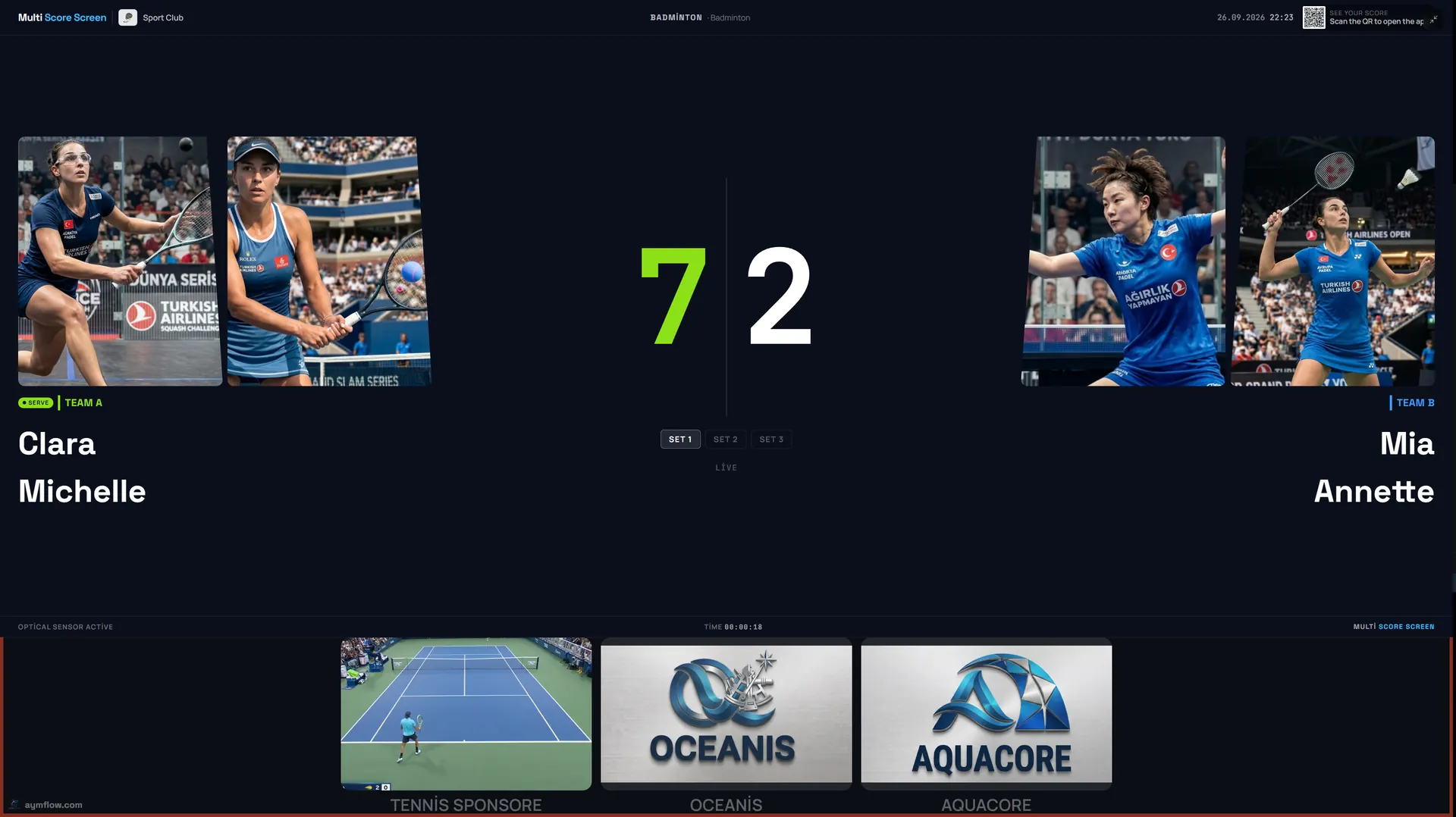
Most badminton scoreboard problems come from a few predictable situations: a rally tapped for the wrong side after a fast exchange at the net, a game that "should have ended" at 21-20, confusion about who serves next, a phone joined to the neighbouring court or a TV high on the wall that lost its connection. Here is what clubs actually run into and how to fix it quickly. For how the screen should look when everything works, start with the badminton scoreboard guide.

Quick reference
| Problem | Usual cause | Fix |
|---|---|---|
| Score one point off | Rally tapped for the wrong side | Point undo |
| Game did not end at 21-20 | The two-point rule from 20-20 | Expected; play on |
| Game ended at 30-29 | The cap at 29-29 | Expected; next game starts |
| Players disagree about the server | The rally winner serves next | Check the serve indicator; undo if a rally was mis-tapped |
| PIN not accepted | Neighbouring court's PIN, or match has reset | Scan your own court's TV again |
| TV stops updating | TV lost its connection | Check the network; restart the TV |
| Wrong sport on the court | Court set to another sport | Change the sport on the dashboard |
| Sponsor missing | Content not assigned to this court | Check sponsor settings |
A rally went to the wrong side
Net exchanges are fast, and a shuttle that clips the tape or lands on the line can leave a moment of doubt. If the scorer tapped the wrong side, use point undo to step back one rally, or game undo if a whole game was affected. The rest of the match is kept. Agree the score with both sides, then carry on.
"The game should have ended"
At 21-20 the game is not over. From 20-20, a side needs a two-point lead to win, so 22-20, 23-21 and so on. If the score reaches 29-29, the side that wins the next rally wins the game 30-29. The scoreboard applies both rules automatically, which is often the source of the question: players expected it to stop. It is following the rules.
If your club plays a shorter format, such as games to 15 for juniors, check with us that the format is set up correctly before relying on it.
Who serves next?
In rally scoring, the side that wins a rally serves the next one. The serve indicator on the TV follows that automatically. If players disagree with the indicator, the usual reason is a rally tapped for the wrong side earlier; undo to the last rally everyone agrees on.
The PIN or QR code does not work
- Check the court number. In a hall with courts side by side, it is easy to scan the next court's TV. Each PIN belongs to one court.
- Check the match is current. The QR code and PIN refresh after every match.
- Check the phone's connection. Mobile data can be weak inside sports halls; join the hall Wi-Fi if needed. The full flow is in the badminton scoreboard app guide.
A TV stops updating
If the phone shows the new score but the TV does not, the TV has probably lost its connection. Short drops are not a problem: scoring keeps working and syncs when the connection returns. If the TV stays offline, check its network and restart it. TVs high on the walls at the far end of a hall are the usual weak spots; see the badminton scoreboard Wi-Fi guide.
The screen is distracting or hard to read
If players say the screen distracts them on high shuttles, it is probably too bright or in their line of sight behind a baseline. Turn the brightness down, switch to a dark theme such as Pro or Neon, or move the screen to the side of the court. See badminton hall scoreboard.
The court shows the wrong sport
In multi-sport halls a court may have been set to volleyball, table tennis or another sport. Change the court's sport to badminton on the dashboard; the next match uses badminton scoring.
A sponsor is missing
Sponsor content is assigned per court. Check that it is assigned to this court and that the dates are current; see badminton scoreboard sponsorship.
Names and photos disappeared
By design: player names and photos used for a match are temporary and are removed when the match ends.
Habits for a smooth club night
- Number every screen to match the court markings on the floor.
- After the first rally, look at the TV: if the score is there, the phone joined the right court.
- Keep the scoring phone on a chair at the side, not on the floor.
- At intervals, glance at the screen and confirm the score with both sides.
- Once a week, play a test rally on every court and note any slow screen.
Getting help
If none of this solves it, send us a short message through the contact page with the court number, the time and, if possible, a photo of the screen. General issues for every sport are covered in scoreboard troubleshooting.
Frequently asked questions
Why didn't the game end at 21-20?
From 20-20 a side needs a two-point lead to win. The game continues, up to 30 if it reaches 29-29.
How do we fix a rally given to the wrong side?
Use point undo, or game undo for a whole game. The rest of the match is kept.
How does the scoreboard decide who serves?
The side that won the last rally serves next; the serve indicator follows that automatically.
Why is my PIN not accepted?
It may belong to the neighbouring court, or the match has reset with a new PIN. Scan your own court's TV again.
What happens if the Wi-Fi drops mid-game?
Scoring keeps working during a short drop and syncs when the connection returns.
Can we switch a court from badminton to another sport?
Yes. Change the court's sport on the dashboard; the next match uses that sport's scoring.
Still stuck? Contact us or request a demo to walk through your setup.
Explore the Multi Score Screen digital scoreboard for padel, tennis, pickleball and 5 more sports →